gg_texture_triangle: Full API Reference
Source:vignettes/gg-texture-triangle.Rmd
gg-texture-triangle.RmdThis vignette walks through every parameter of
gg_texture_triangle(), texture_surface(),
geom_texture_contour(), and
texture_label_style(), with a rendered example for
each.
Sample data
All examples use these two datasets:
# A handful of labelled soil samples
pts <- tibble(
  sand  = c(70, 20, 40, 10, 55, 30),
  silt  = c(15, 30, 40, 20, 30, 45),
  clay  = c(15, 50, 20, 70, 15, 25),
  label = c("A", "B", "C", "D", "E", "F")
)

# A denser grid of points with a synthetic soil property
set.seed(4291)
surf_df <- tibble(
  sand = runif(90, 5, 88),
  clay = runif(90, 5, 55)
) |>
  dplyr::mutate(silt = 100 - sand - clay) |>
  dplyr::filter(silt >= 2) |>
  dplyr::mutate(prop = clay * 0.55 + sand * 0.08 + rnorm(dplyr::n(), 0, 4))
1. Basic usage
Minimum required arguments are a data frame and three bare column names. Sample points are drawn as black dots by default.
gg_texture_triangle(pts, sand, silt, clay)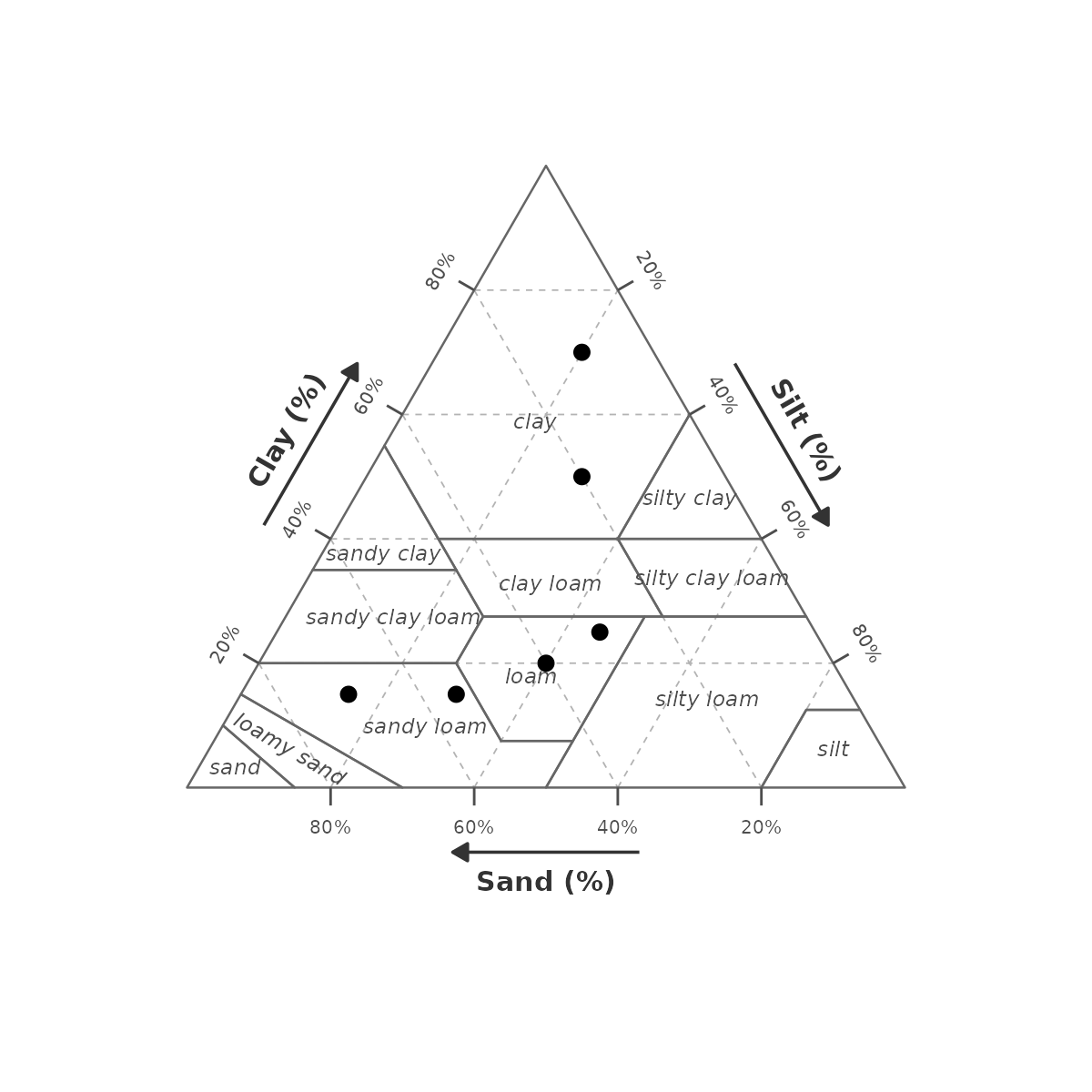
Map a column to point colour with colour:
gg_texture_triangle(pts, sand, silt, clay, colour = label) +
  scale_colour_brewer(palette = "Dark2", name = NULL)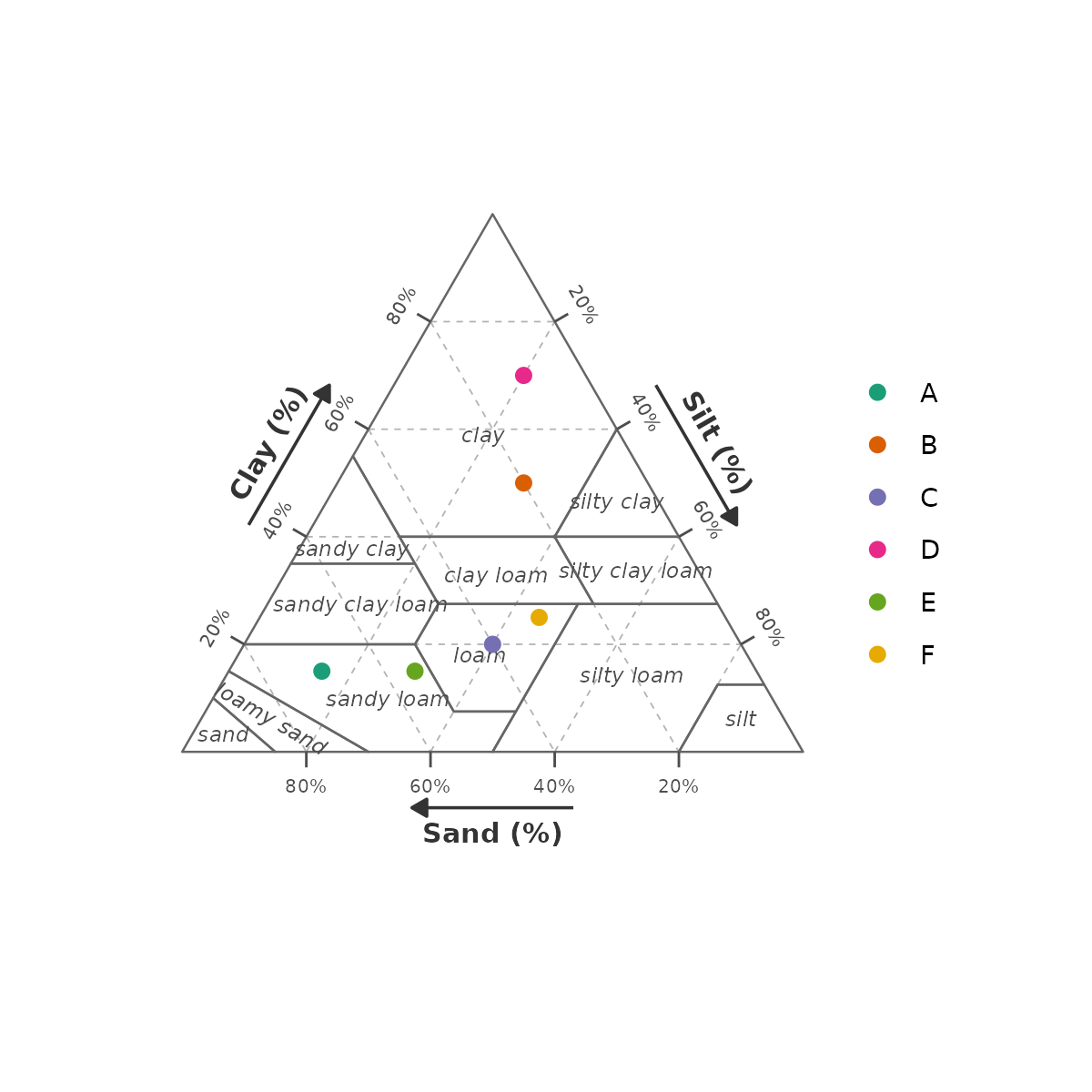
2. Fill style (style)
style = "none" (default) — unfilled regions, borders
only.
gg_texture_triangle(pts, sand, silt, clay, style = "none")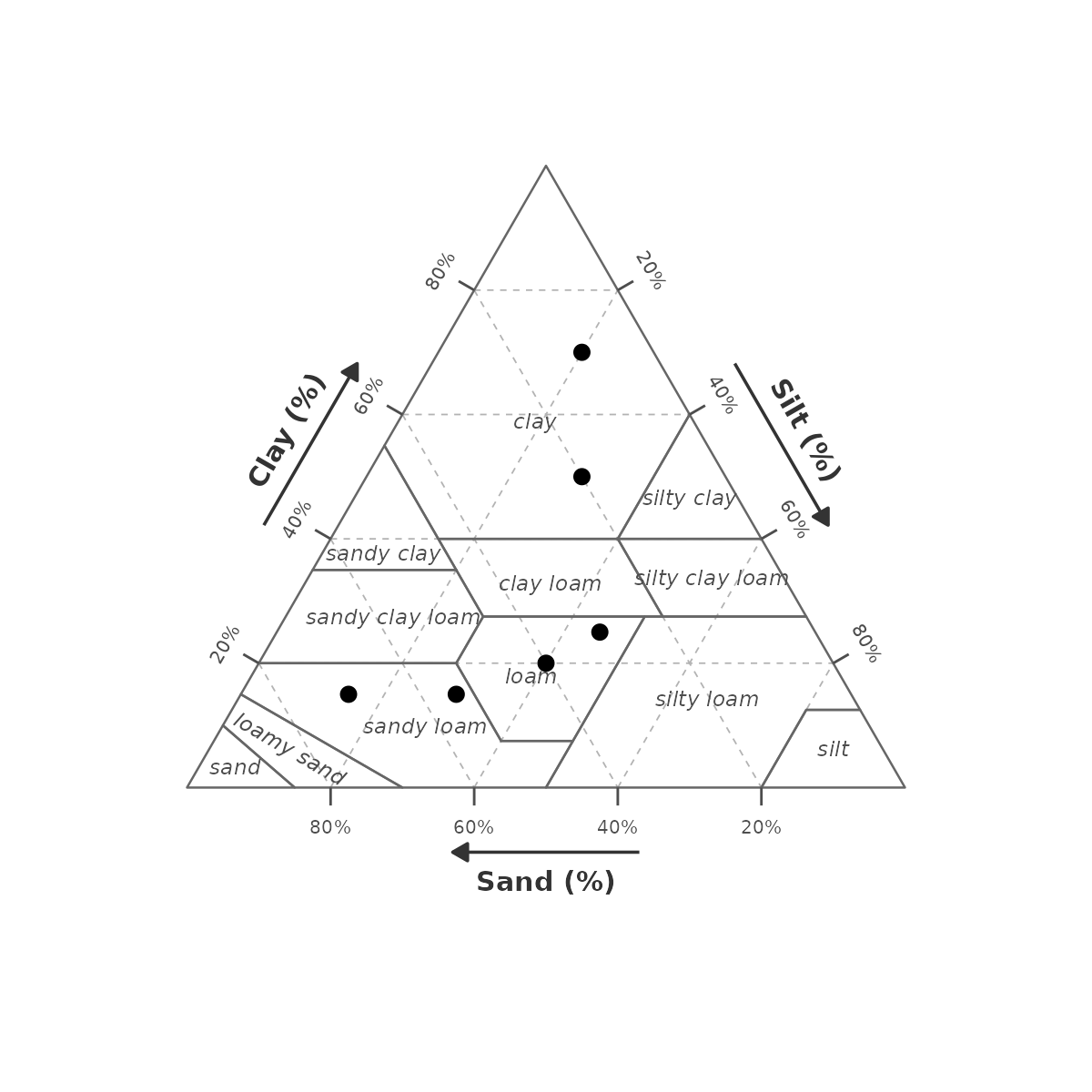
style = "wiki" — colour scheme matching the Wikipedia
USDA texture diagram.
gg_texture_triangle(pts, sand, silt, clay, style = "wiki")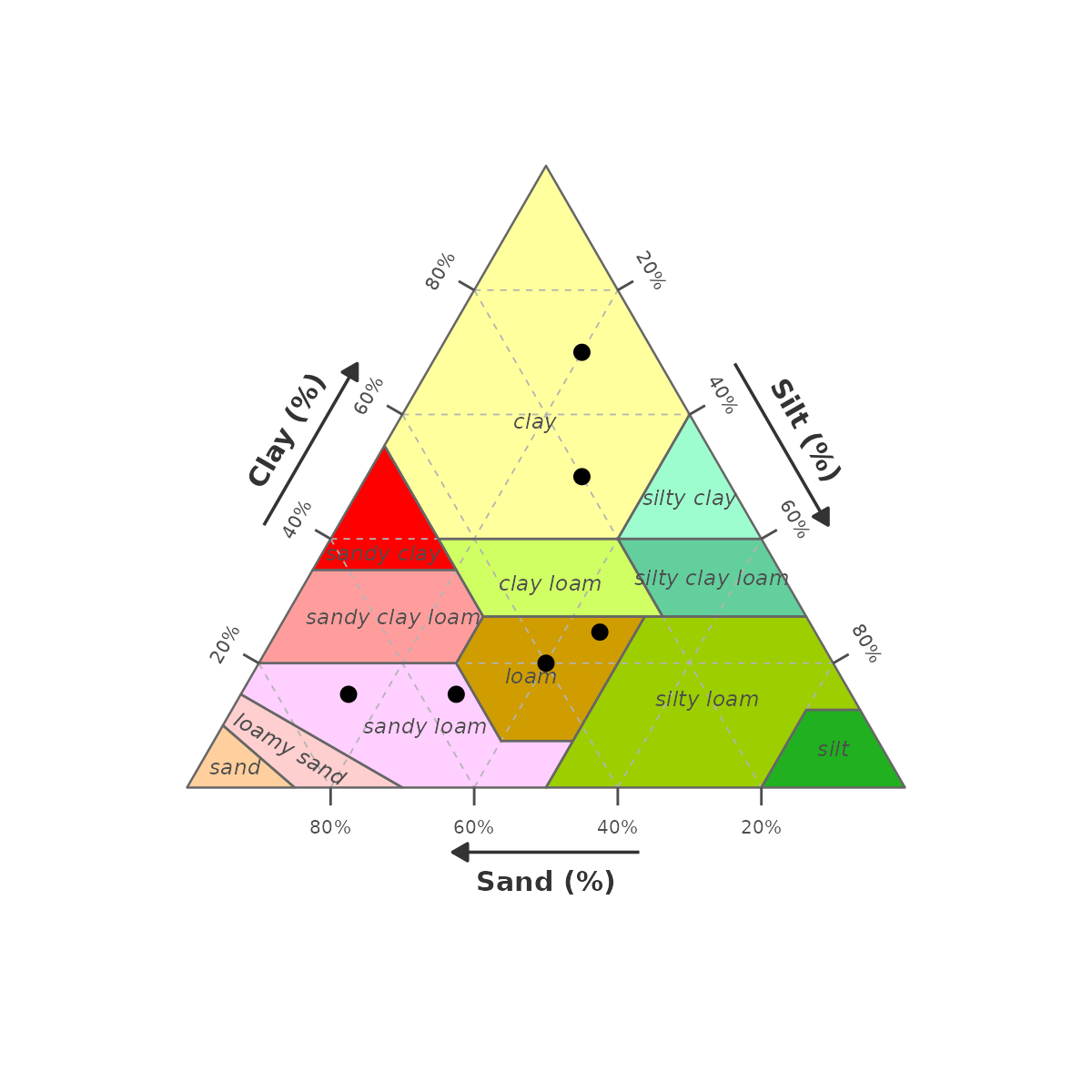
3. Grid breaks (breaks)
Control where grid lines and tick marks are drawn. Pass any numeric vector of percentages between 1 and 99.
Quarters — c(25, 50, 75)
gg_texture_triangle(pts, sand, silt, clay, breaks = c(25, 50, 75))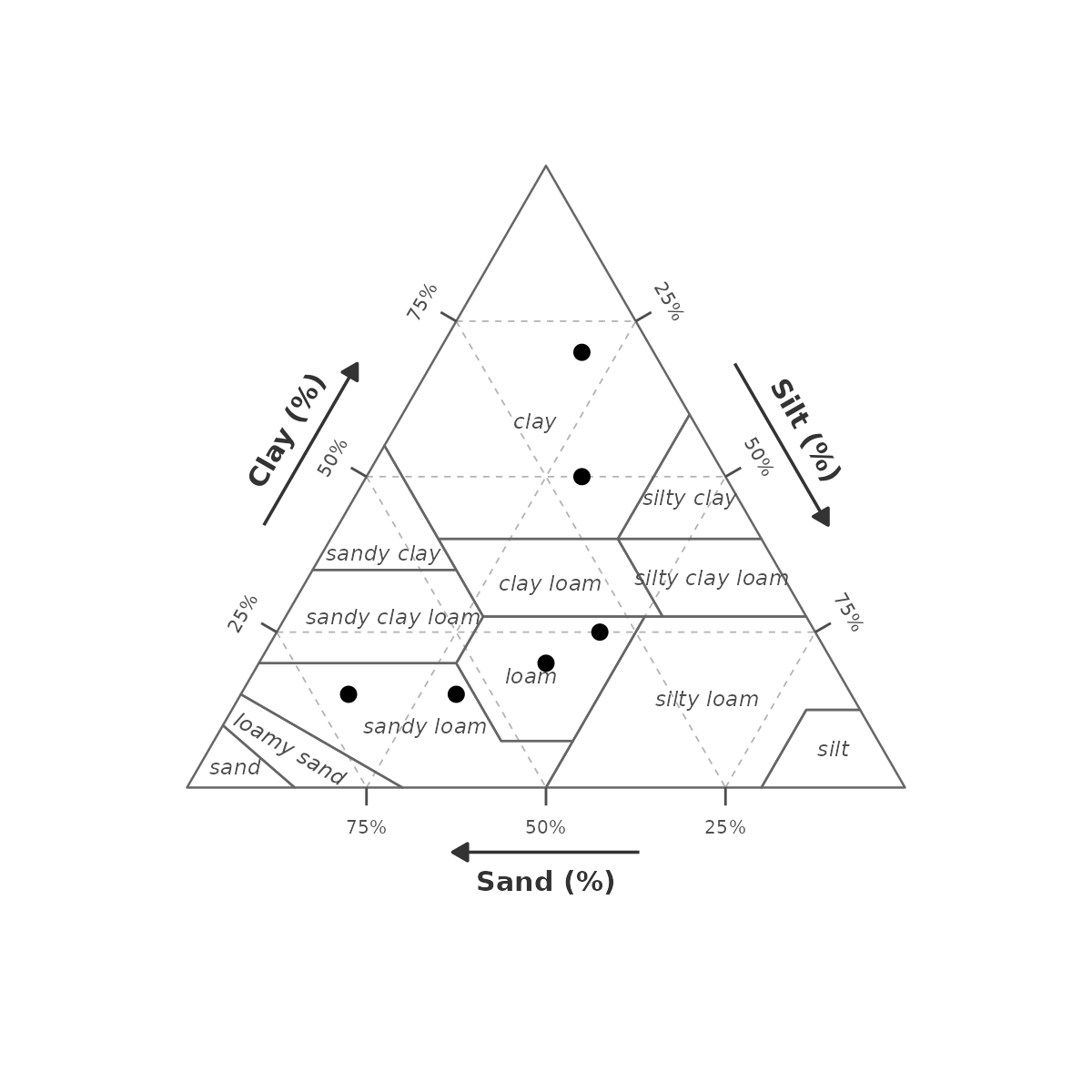
Every 10 % — seq(10, 90, 10)
gg_texture_triangle(pts, sand, silt, clay, breaks = seq(10, 90, 10))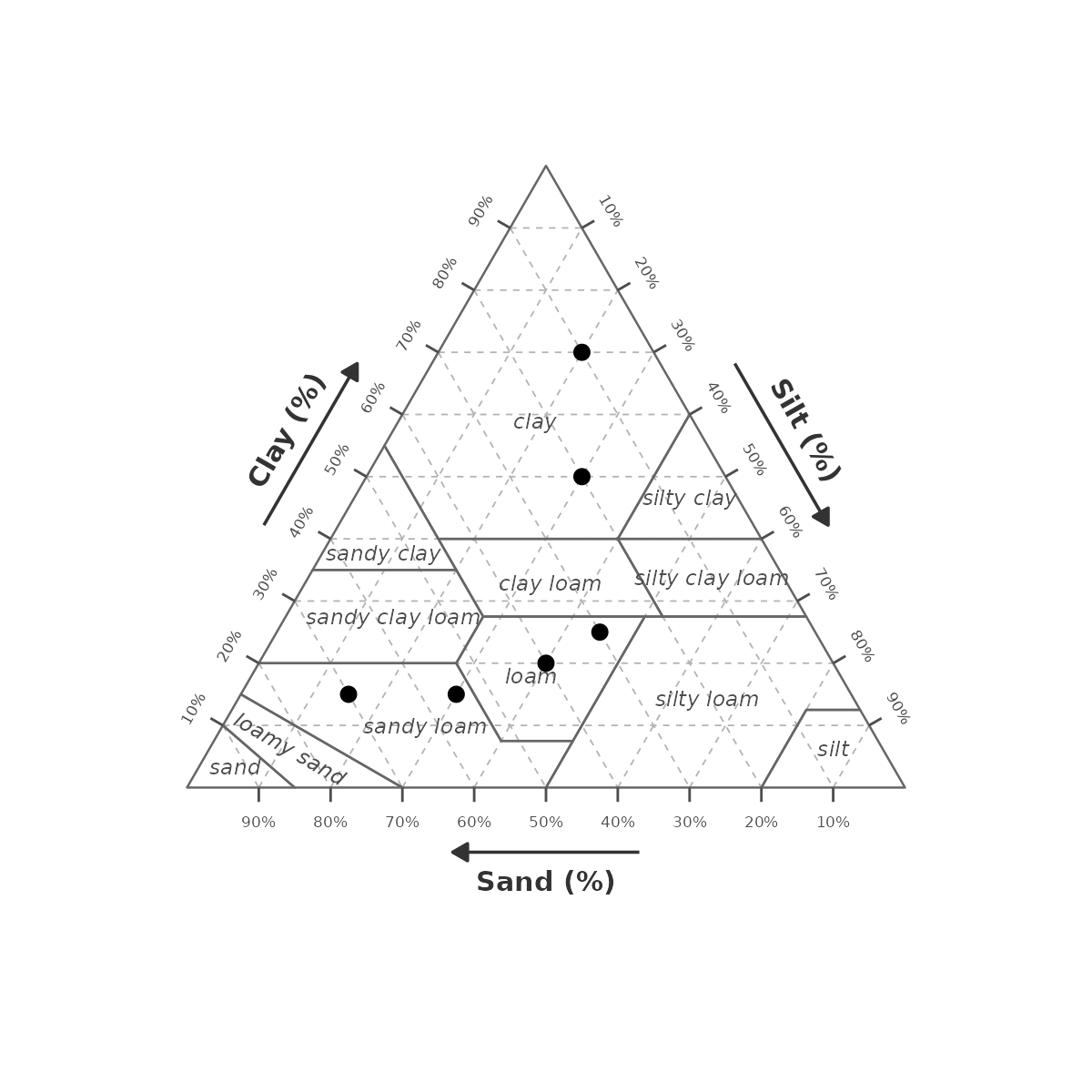
Every 5 % — seq(5, 95, 5). Tick label
size auto-scales down.
gg_texture_triangle(pts, sand, silt, clay, breaks = seq(5, 95, 5))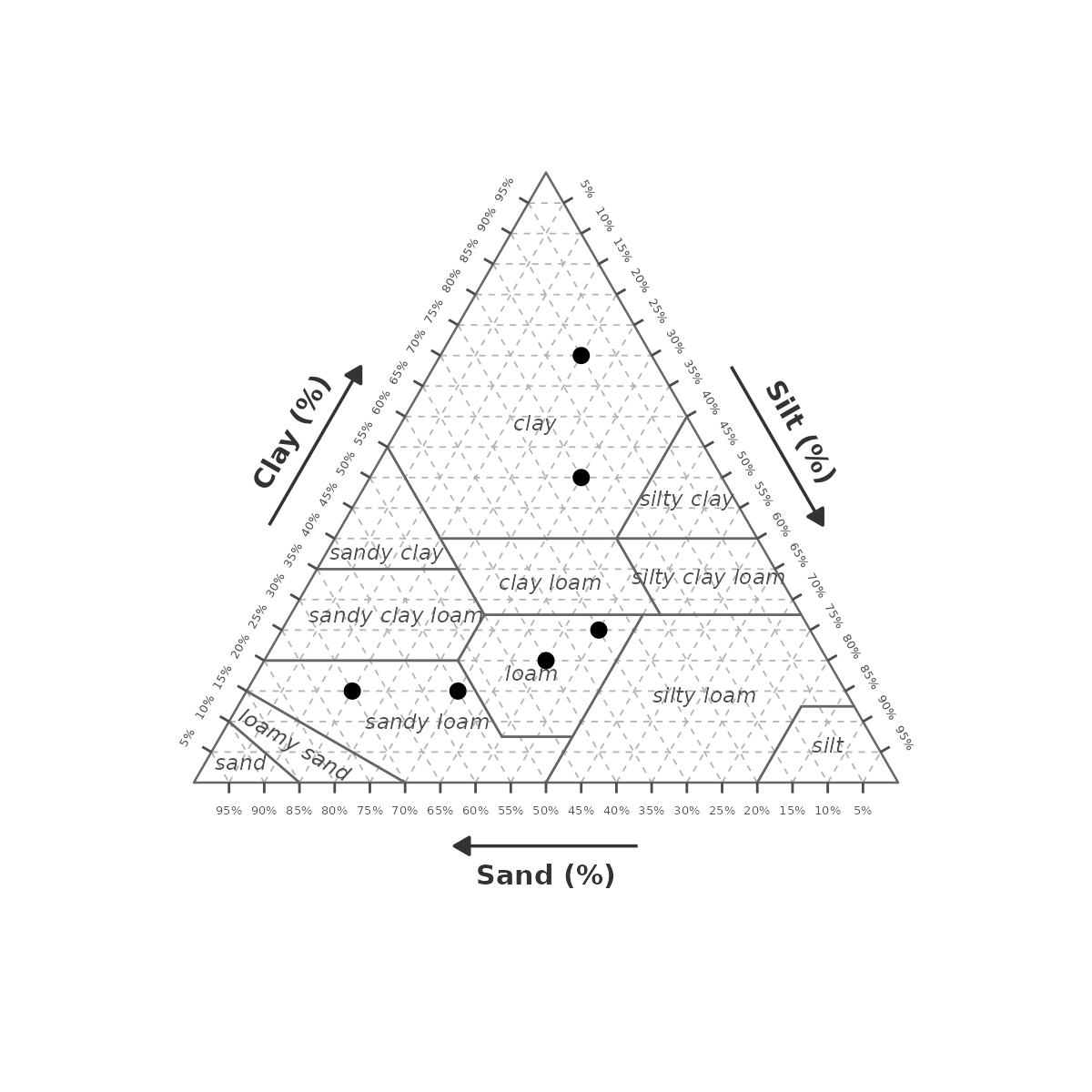
4. Grid line style (grid_colour,
grid_linetype, grid_linewidth)
All three parameters control the internal dashed grid lines.
Darker, thicker, solid:
gg_texture_triangle(pts, sand, silt, clay,
  grid_colour    = "grey30",
  grid_linetype  = "solid",
  grid_linewidth = 0.5)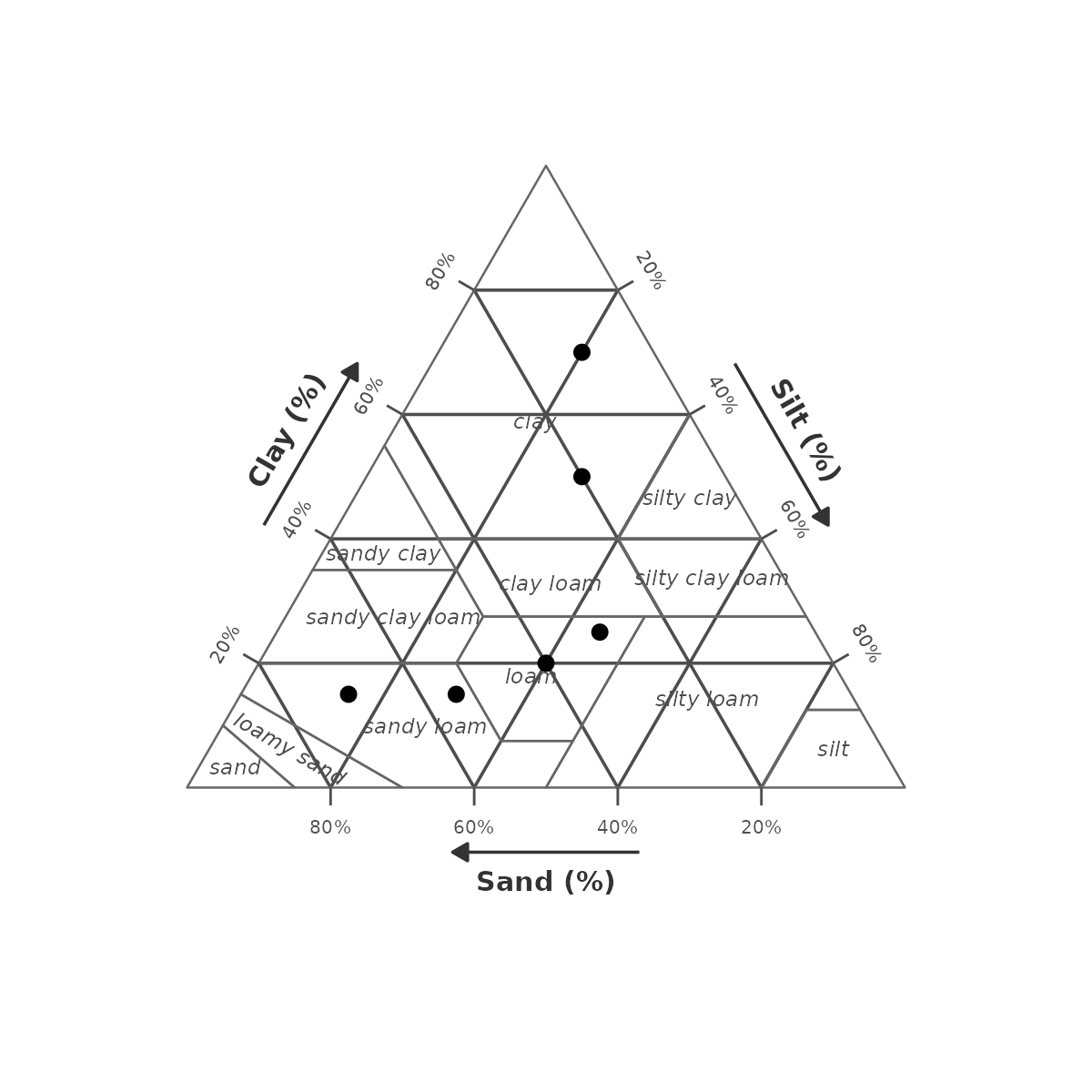
Dotted, light:
gg_texture_triangle(pts, sand, silt, clay,
  grid_colour    = "grey80",
  grid_linetype  = "dotted",
  grid_linewidth = 0.4)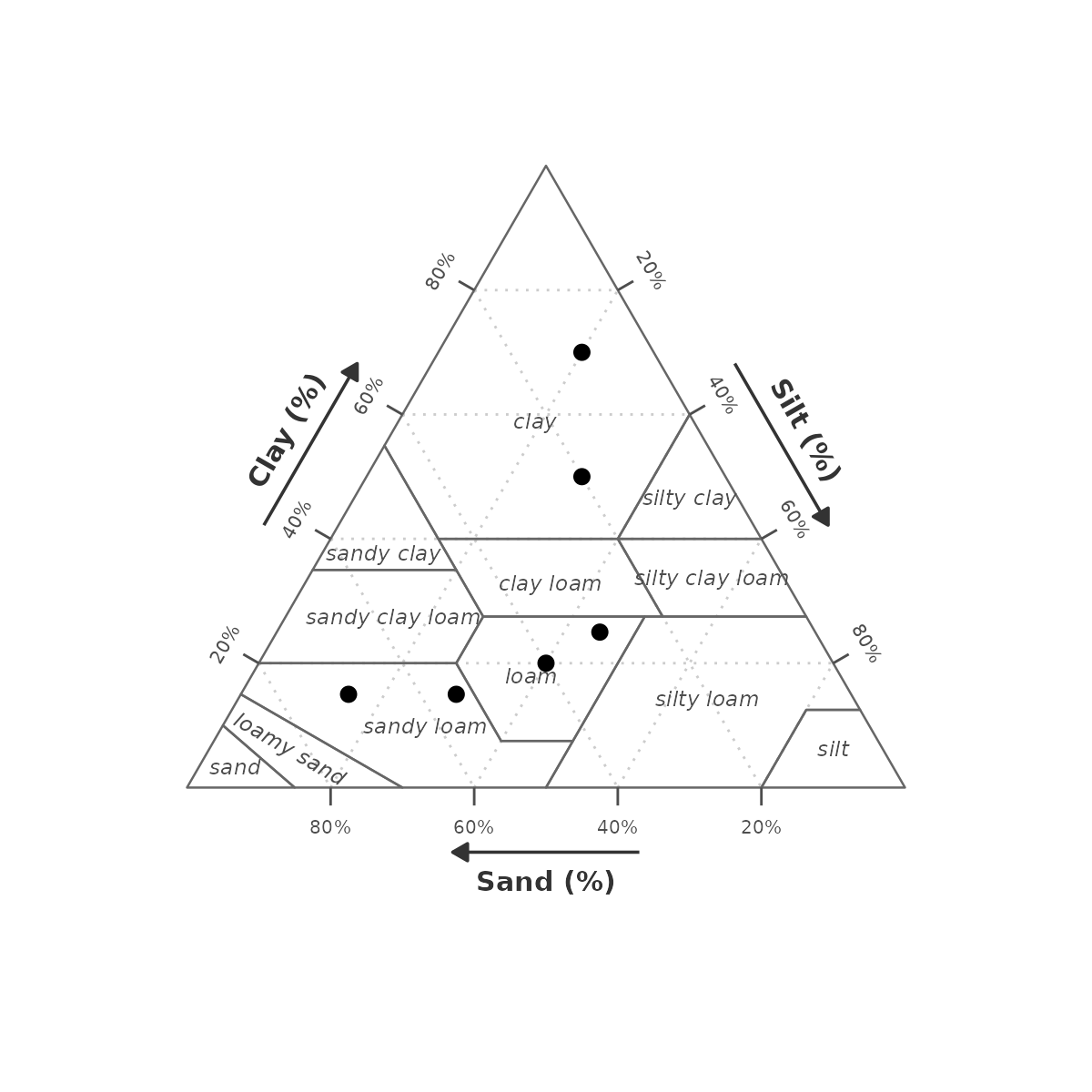
Hidden — set
grid_linetype = "blank":
gg_texture_triangle(pts, sand, silt, clay,
  grid_linetype = "blank")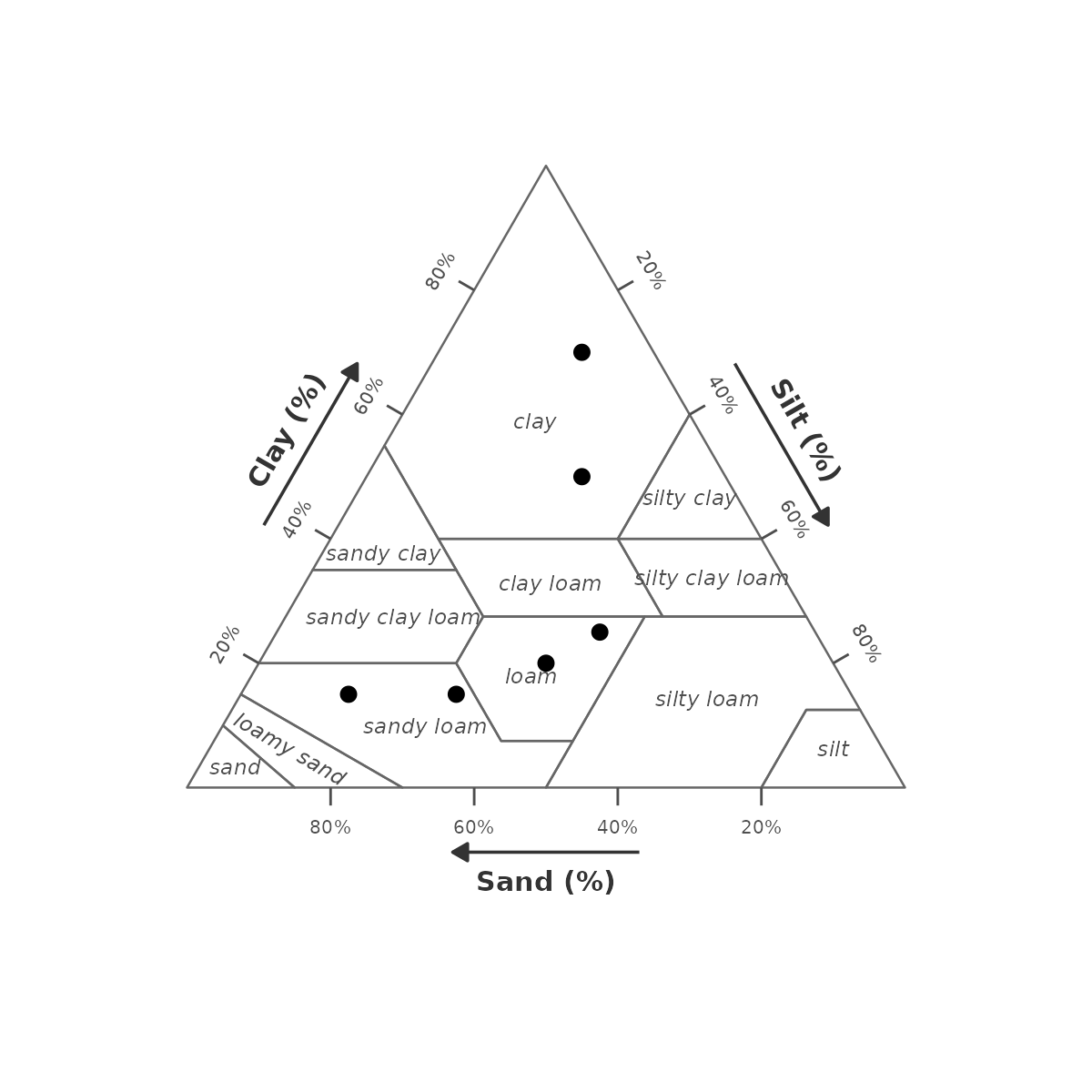
5. Class border style (border_colour,
border_linewidth)
Control the lines separating texture class regions.
Bold black borders:
gg_texture_triangle(pts, sand, silt, clay, style = "wiki",
  border_colour    = "black",
  border_linewidth = 1.0)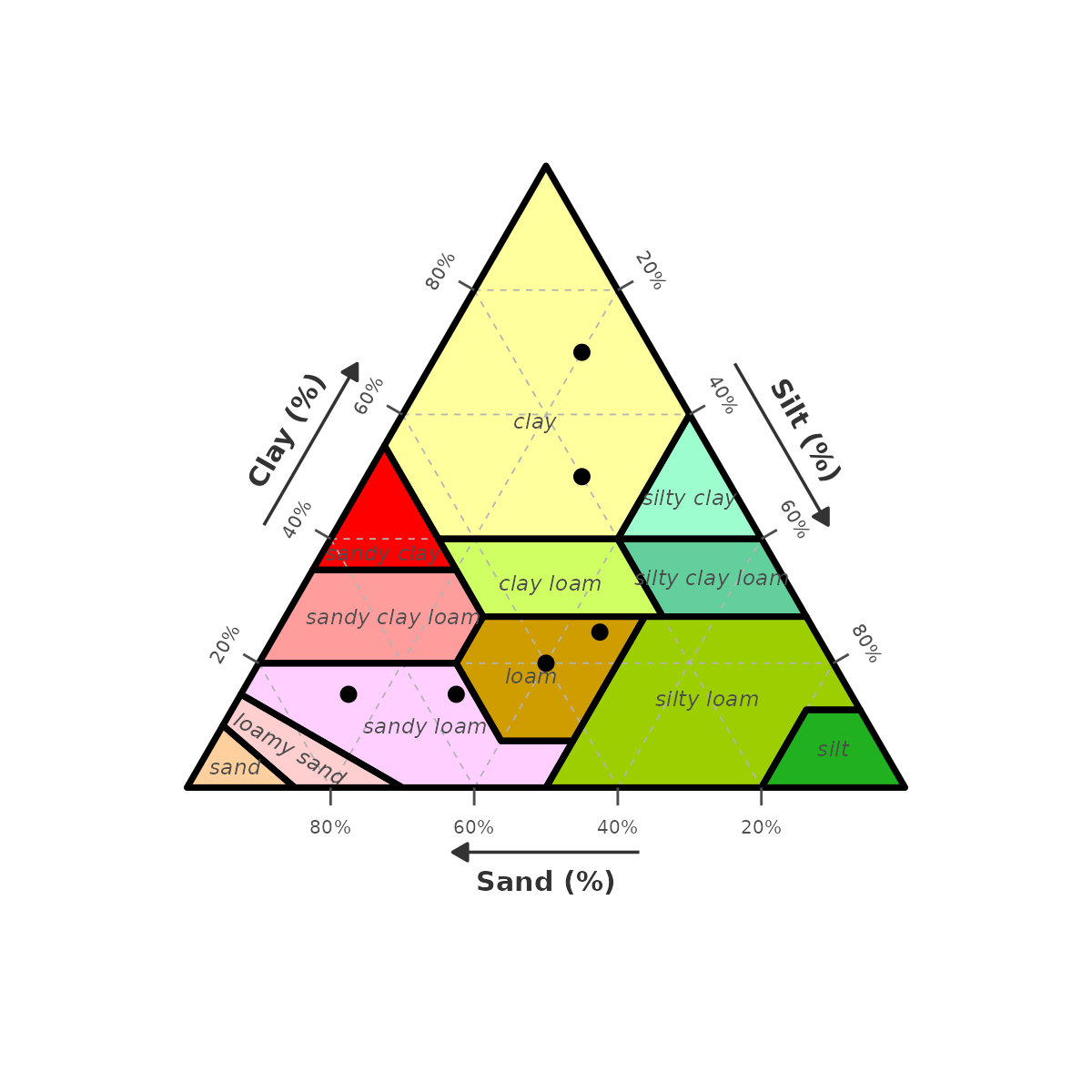
Hidden borders — set
border_colour = NA:
gg_texture_triangle(pts, sand, silt, clay, style = "wiki",
  border_colour = NA)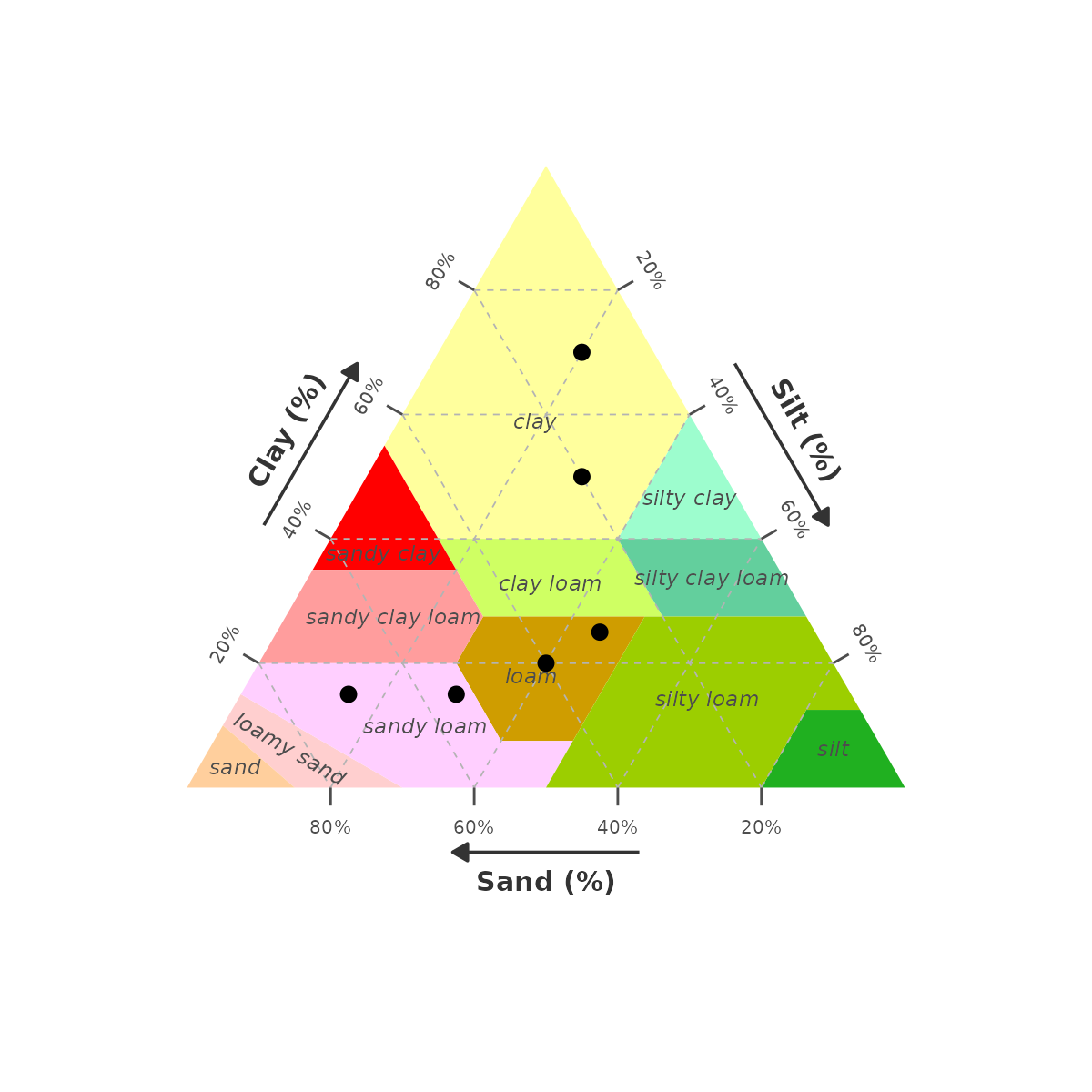
6. Tick height (tick_height)
tick_height = NULL (default) auto-scales with break
density. Set to 0 to hide all tick marks while keeping grid
lines and labels.
gg_texture_triangle(pts, sand, silt, clay,
  breaks      = seq(10, 90, 10),
  tick_height = 0)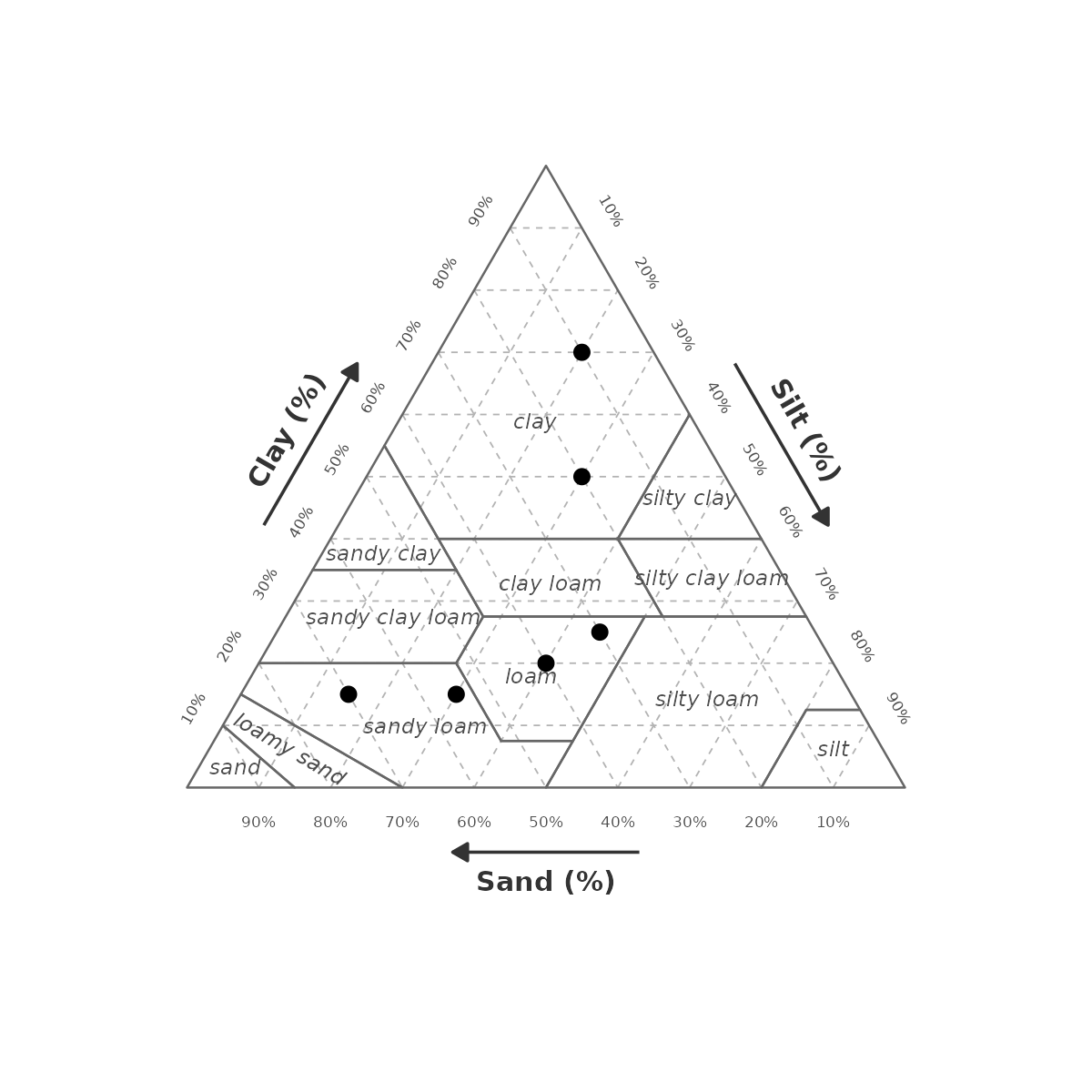
Set a fixed height (in Cartesian units) to make ticks longer or shorter:
gg_texture_triangle(pts, sand, silt, clay,
  tick_height = 0.05)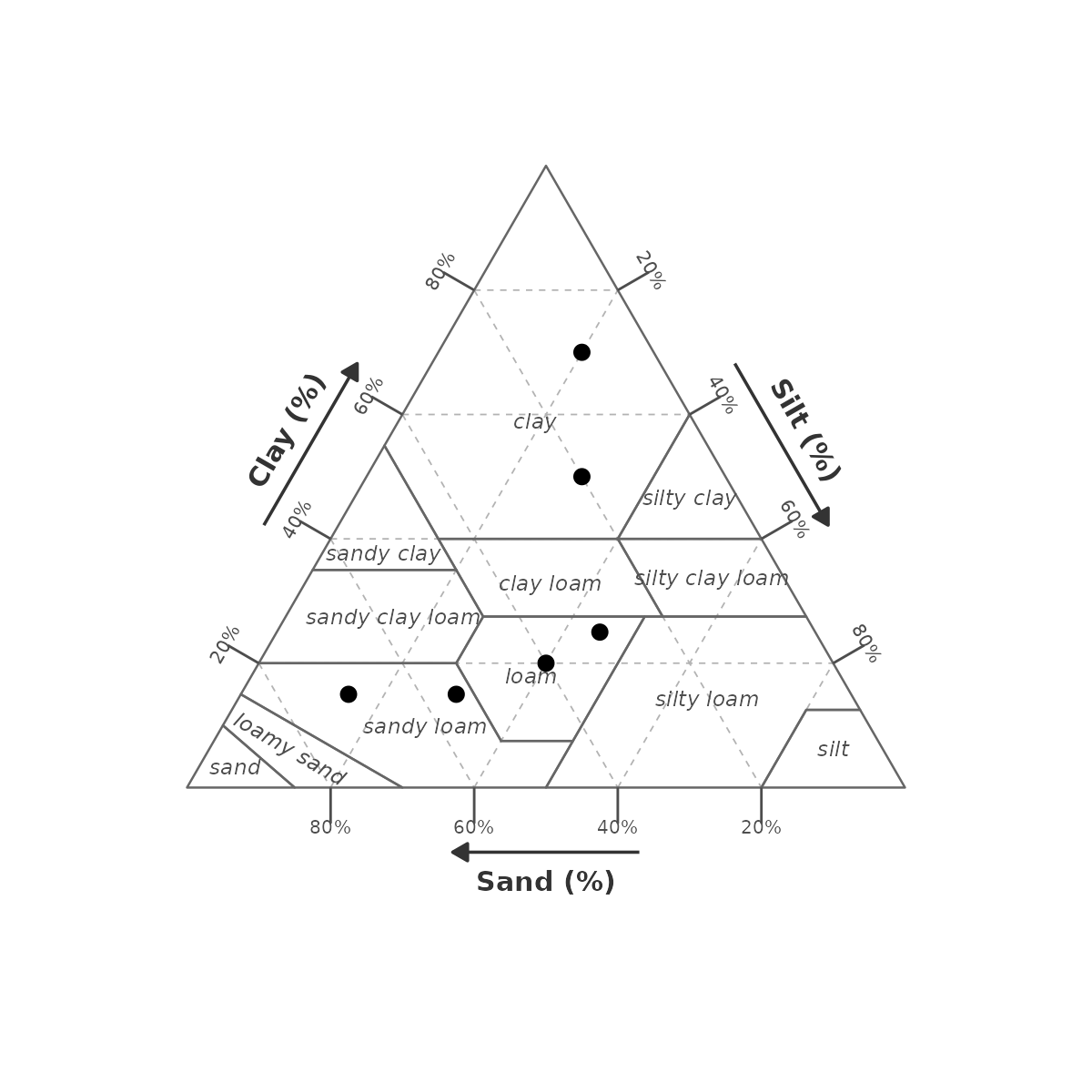
7. Label style (texture_label_style())
texture_label_style() returns a validated list for the
label_style argument. Supply only the keys you want to
override.
7a. Tick labels (tick_show,
tick_size)
# Hide percentage labels, keep ticks and grid
gg_texture_triangle(pts, sand, silt, clay,
  breaks      = seq(10, 90, 10),
  label_style = texture_label_style(tick_show = FALSE))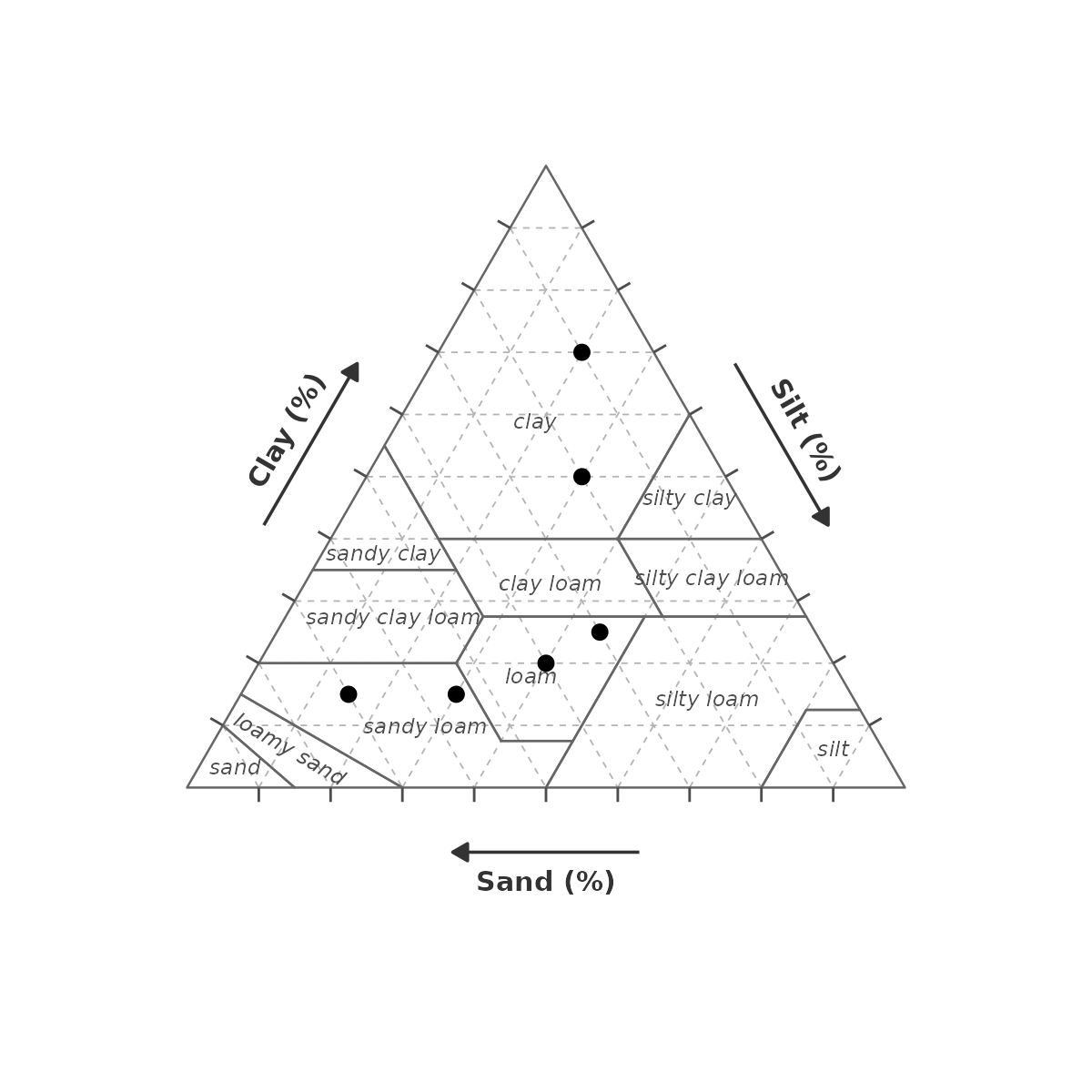
# Larger tick labels
gg_texture_triangle(pts, sand, silt, clay,
  label_style = texture_label_style(tick_size = 3.5))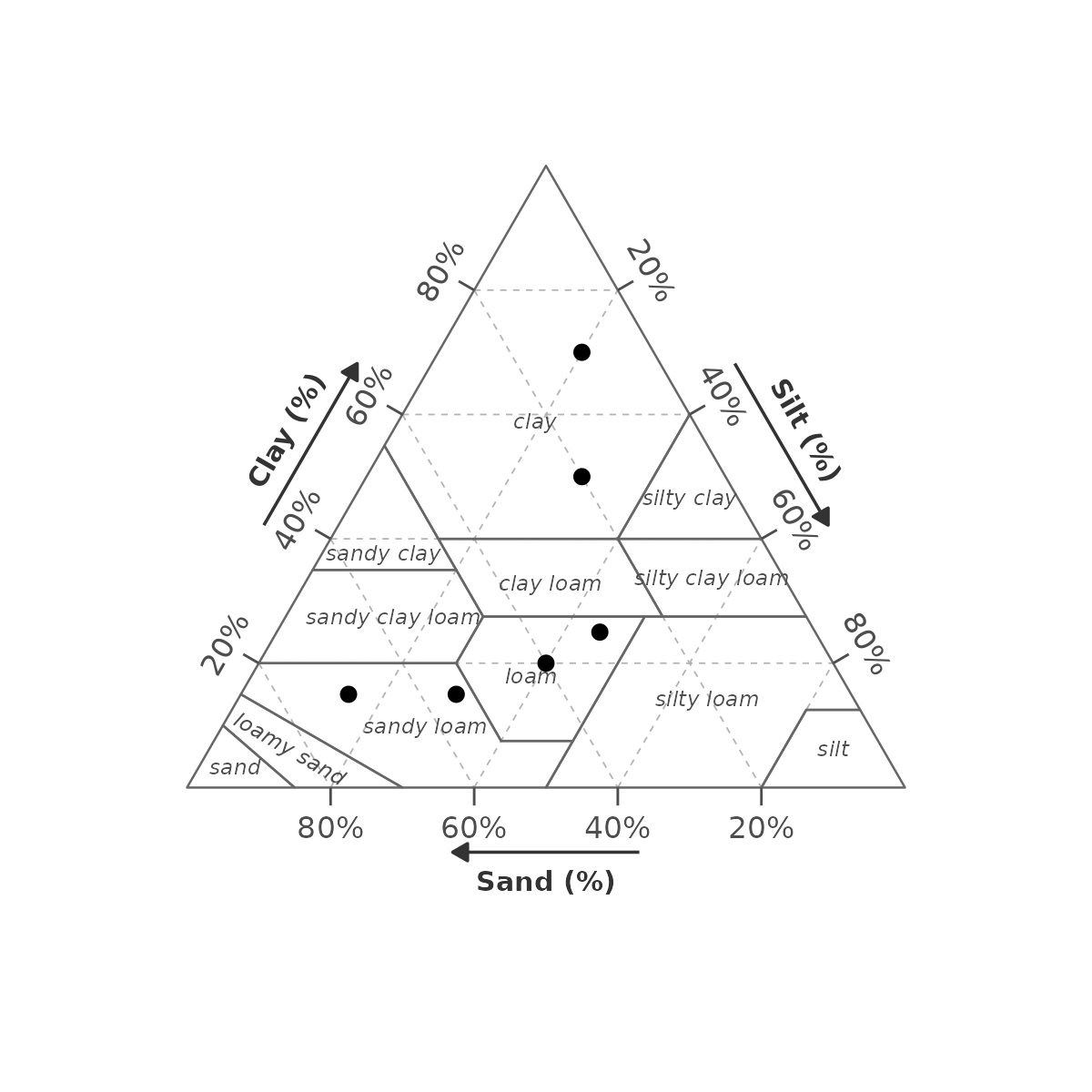
7b. Axis name labels (axis_show,
axis_size)
# Bare triangle — no axis names, just arrows
gg_texture_triangle(pts, sand, silt, clay,
  label_style = texture_label_style(axis_show = FALSE))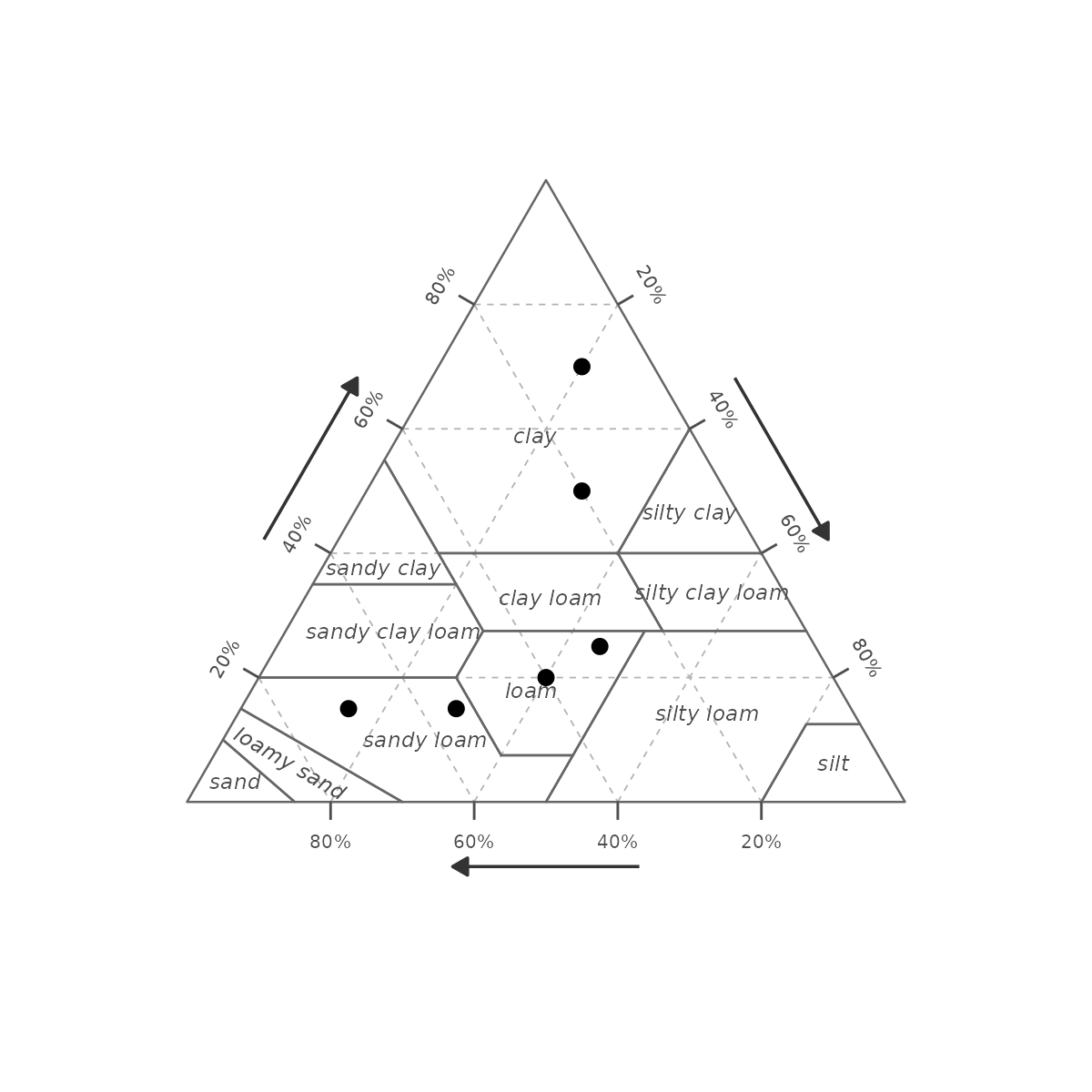
gg_texture_triangle(pts, sand, silt, clay,
  label_style = texture_label_style(axis_size = 5))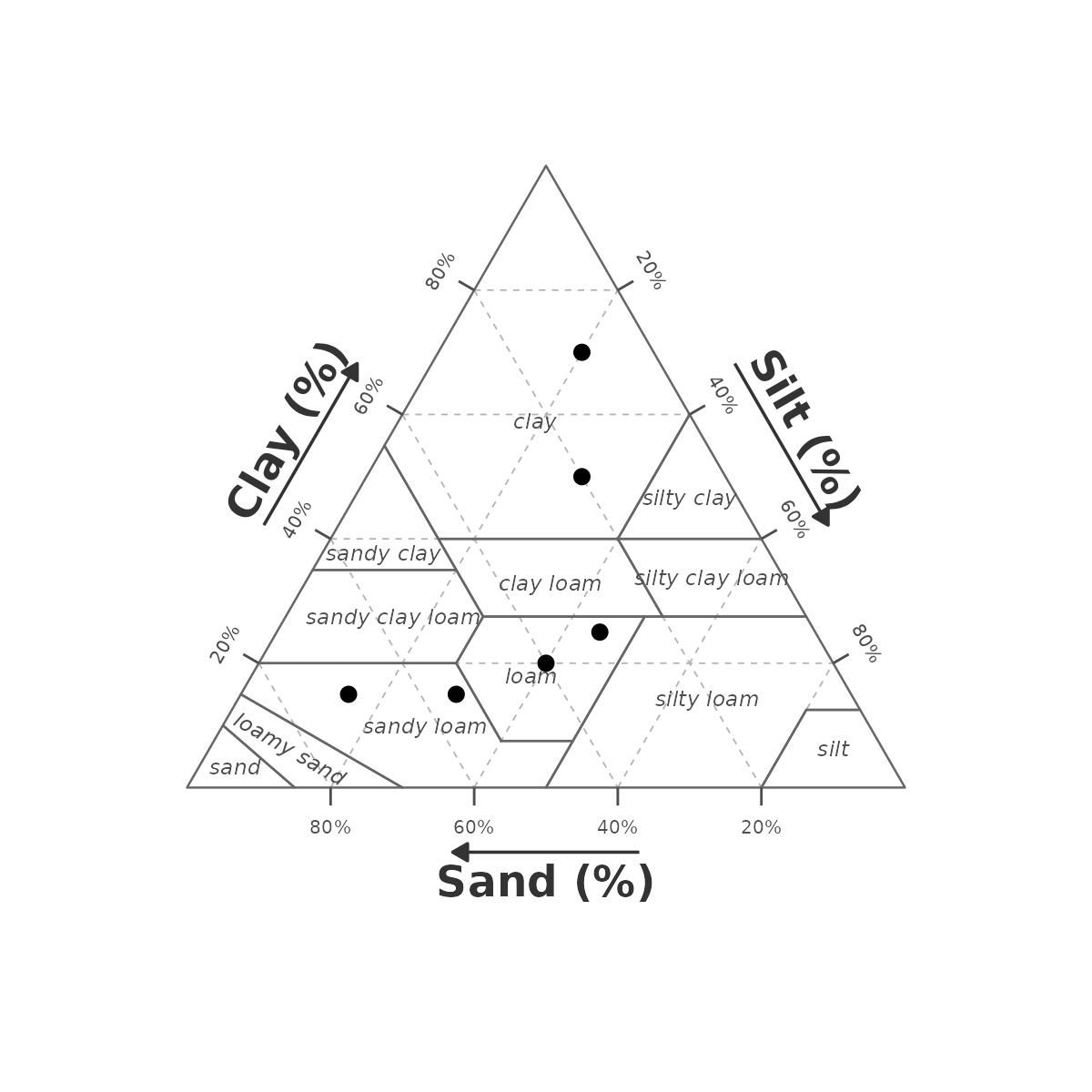
7c. Texture class labels (class_show,
class_size)
gg_texture_triangle(pts, sand, silt, clay, style = "wiki",
  label_style = texture_label_style(class_show = FALSE))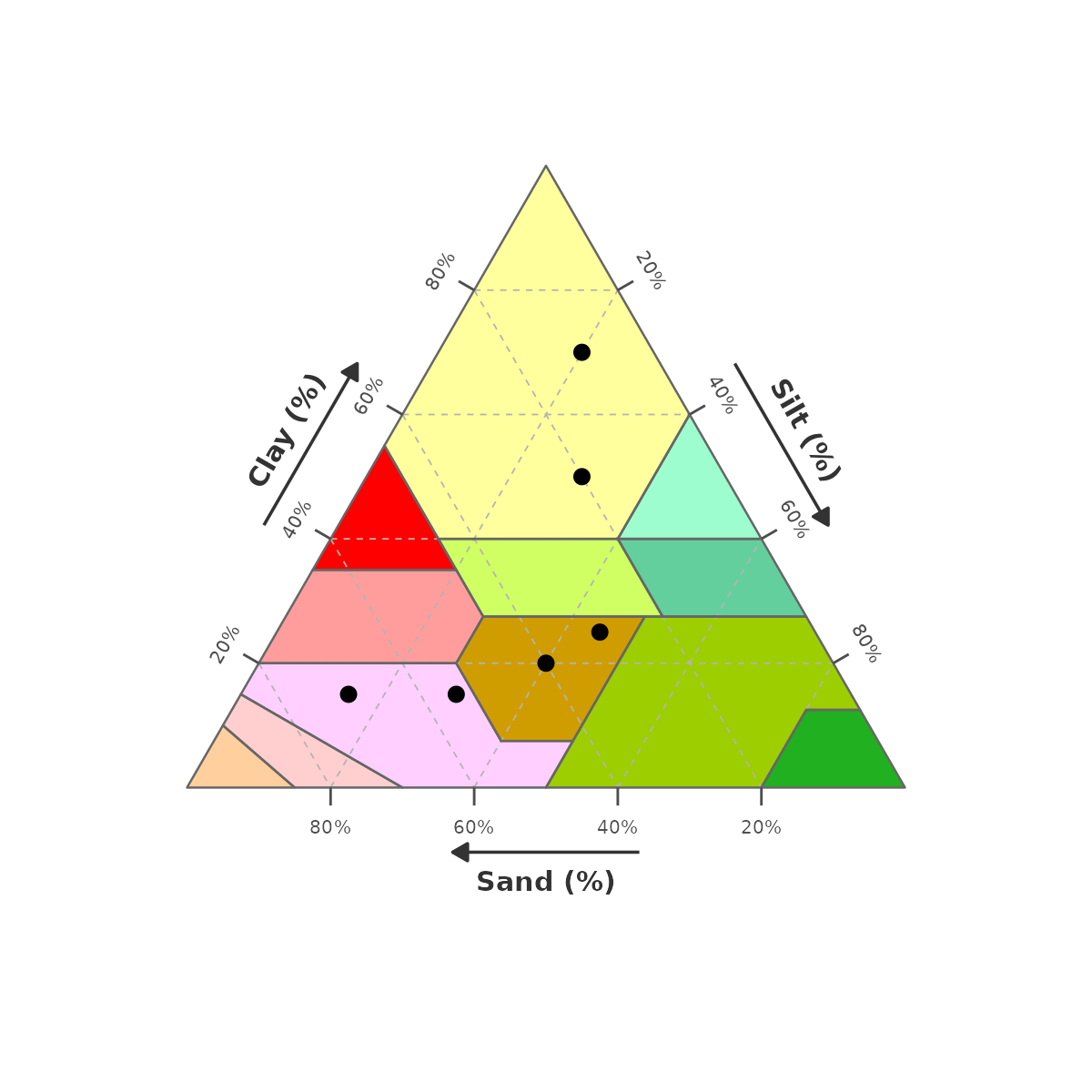
gg_texture_triangle(pts, sand, silt, clay,
  label_style = texture_label_style(class_size = 3.5))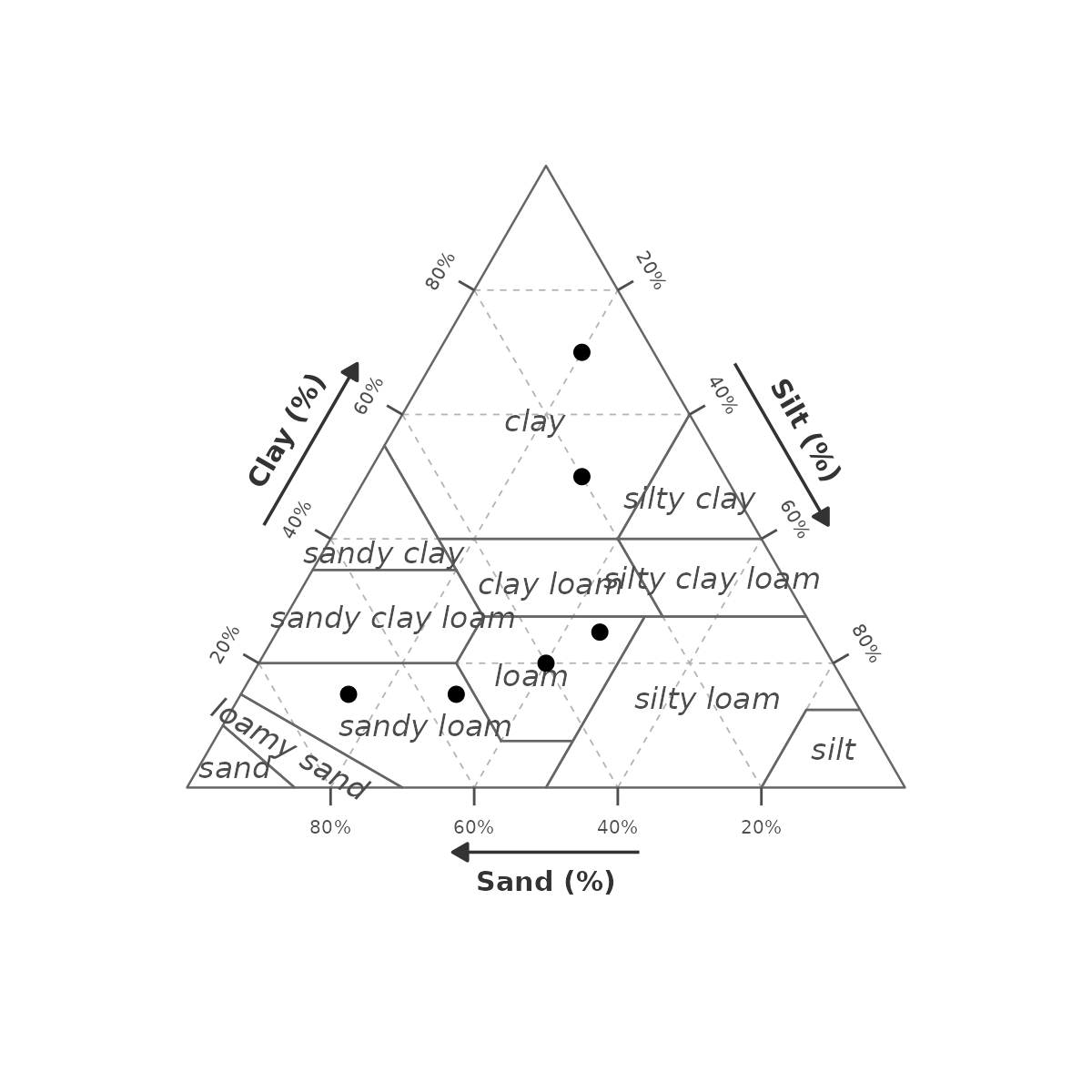
7d. Suppressing everything
gg_texture_triangle(pts, sand, silt, clay,
  label_style = texture_label_style(
    tick_show  = FALSE,
    axis_show  = FALSE,
    class_show = FALSE))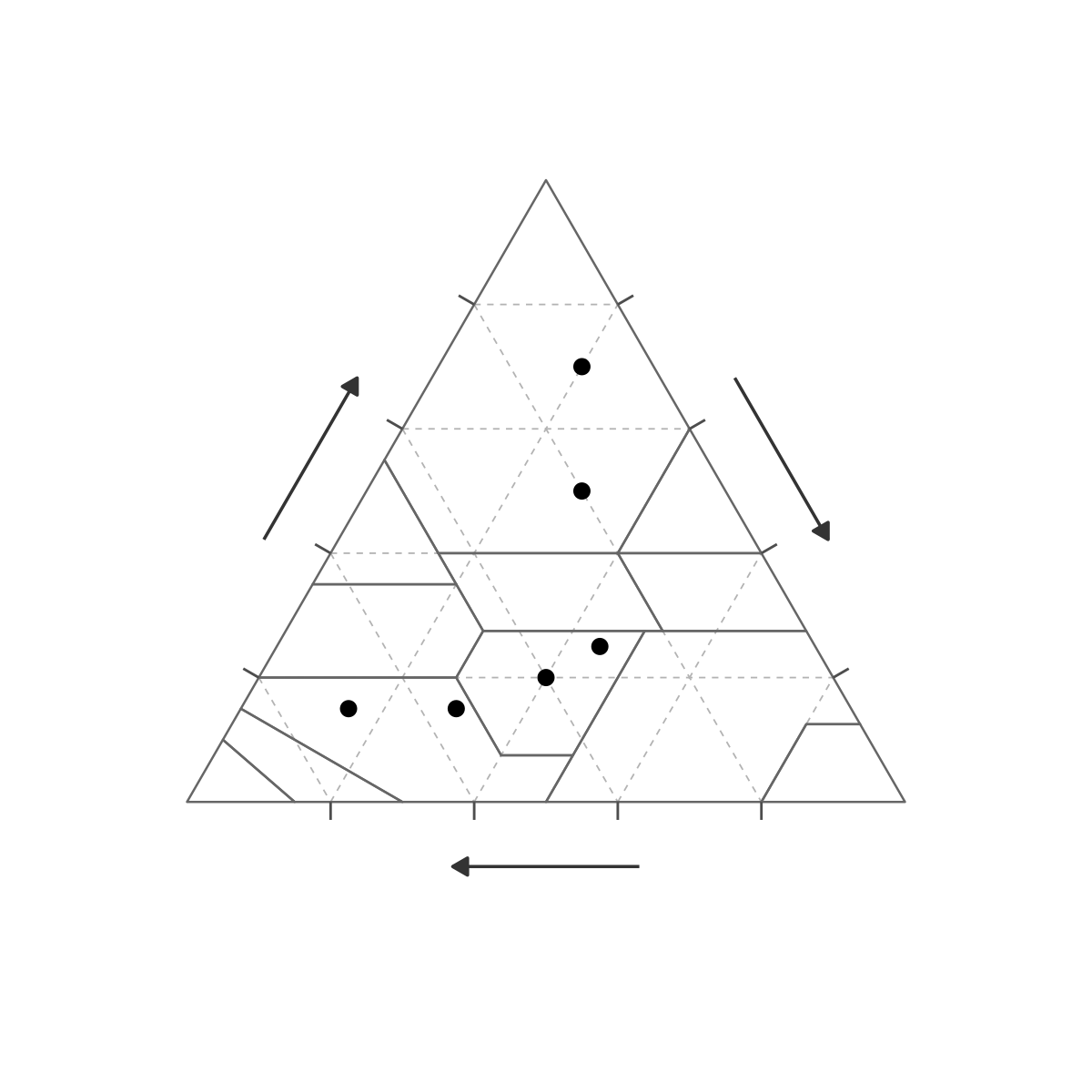
8. Continuous surface (texture_surface())
texture_surface() constructs an IDW-interpolated surface
from scattered ternary sample points. Pass it to the
surface argument of gg_texture_triangle(); the
fill scale is left open for any scale_fill_*() call.
gg_texture_triangle(pts, sand, silt, clay,
  surface = texture_surface(surf_df, sand, silt, clay, z = prop)) +
  scale_fill_viridis_c(name = "prop", option = "plasma")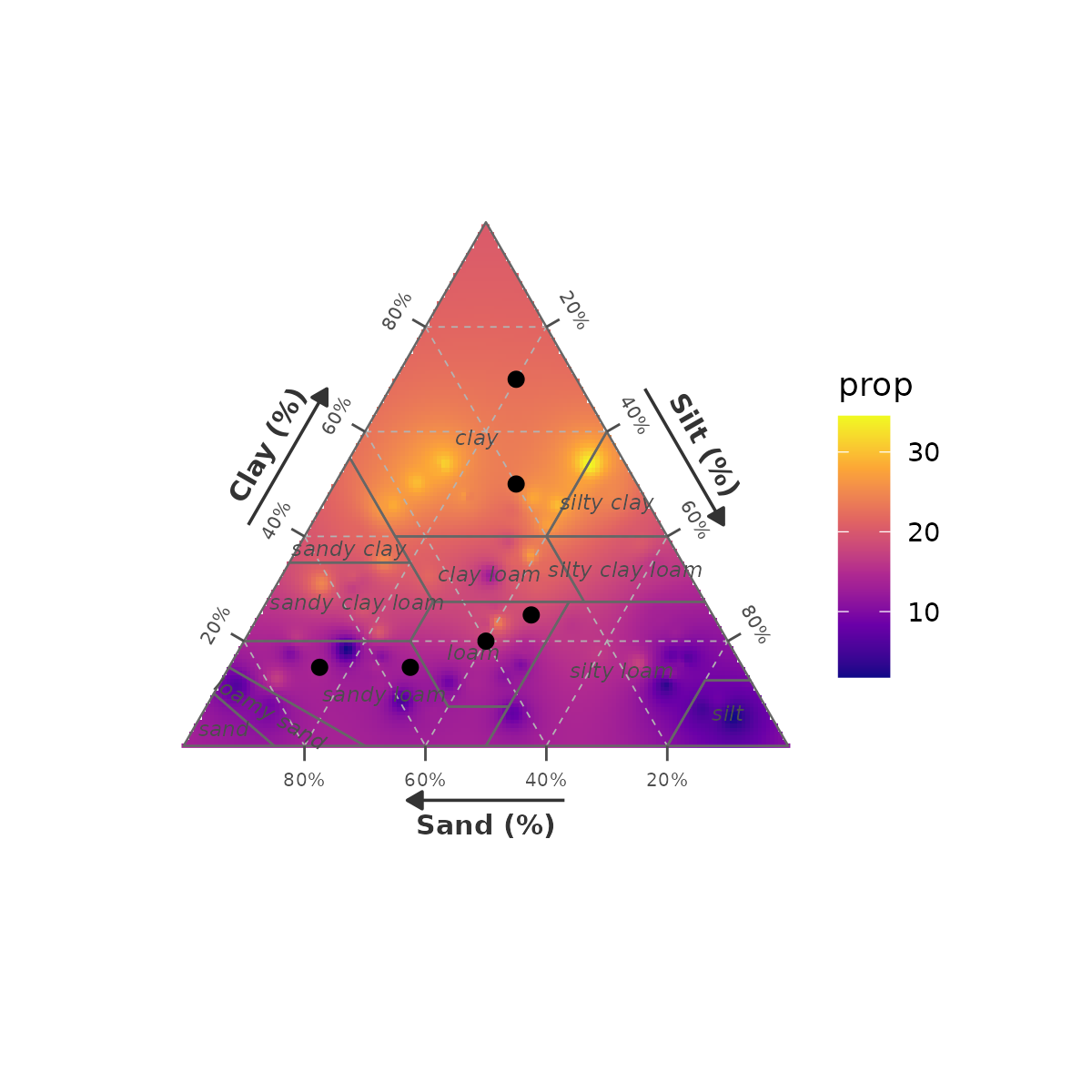
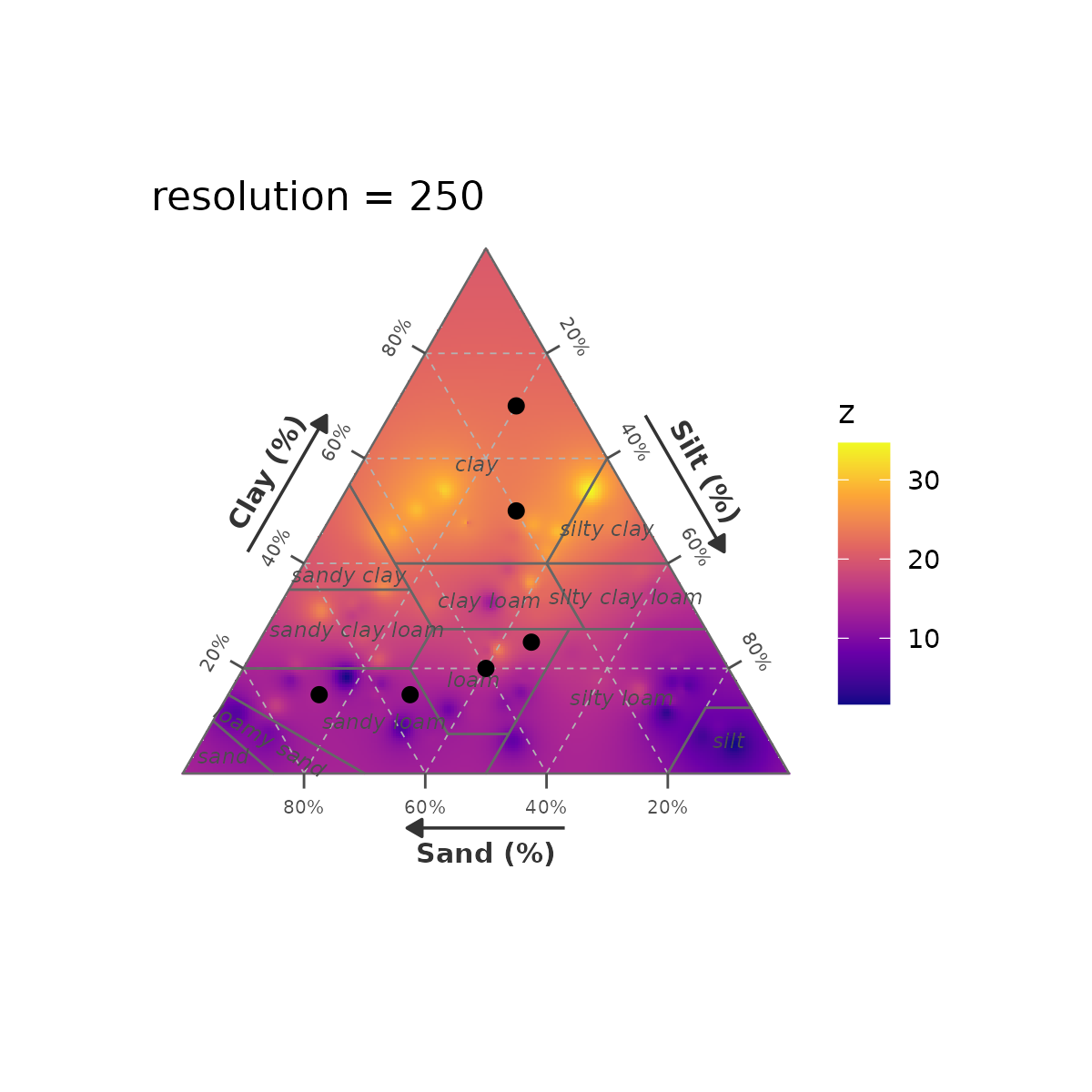
resolution controls interpolation grid
density (default 150). Higher = smoother, slower.
gg_texture_triangle(pts, sand, silt, clay,
  surface = texture_surface(surf_df, sand, silt, clay, z = prop,
                             resolution = 40L)) +
  scale_fill_viridis_c(option = "plasma") +
  ggtitle("resolution = 40")

gg_texture_triangle(pts, sand, silt, clay,
  surface = texture_surface(surf_df, sand, silt, clay, z = prop,
                             resolution = 250L)) +
  scale_fill_viridis_c(option = "plasma") +
  ggtitle("resolution = 250")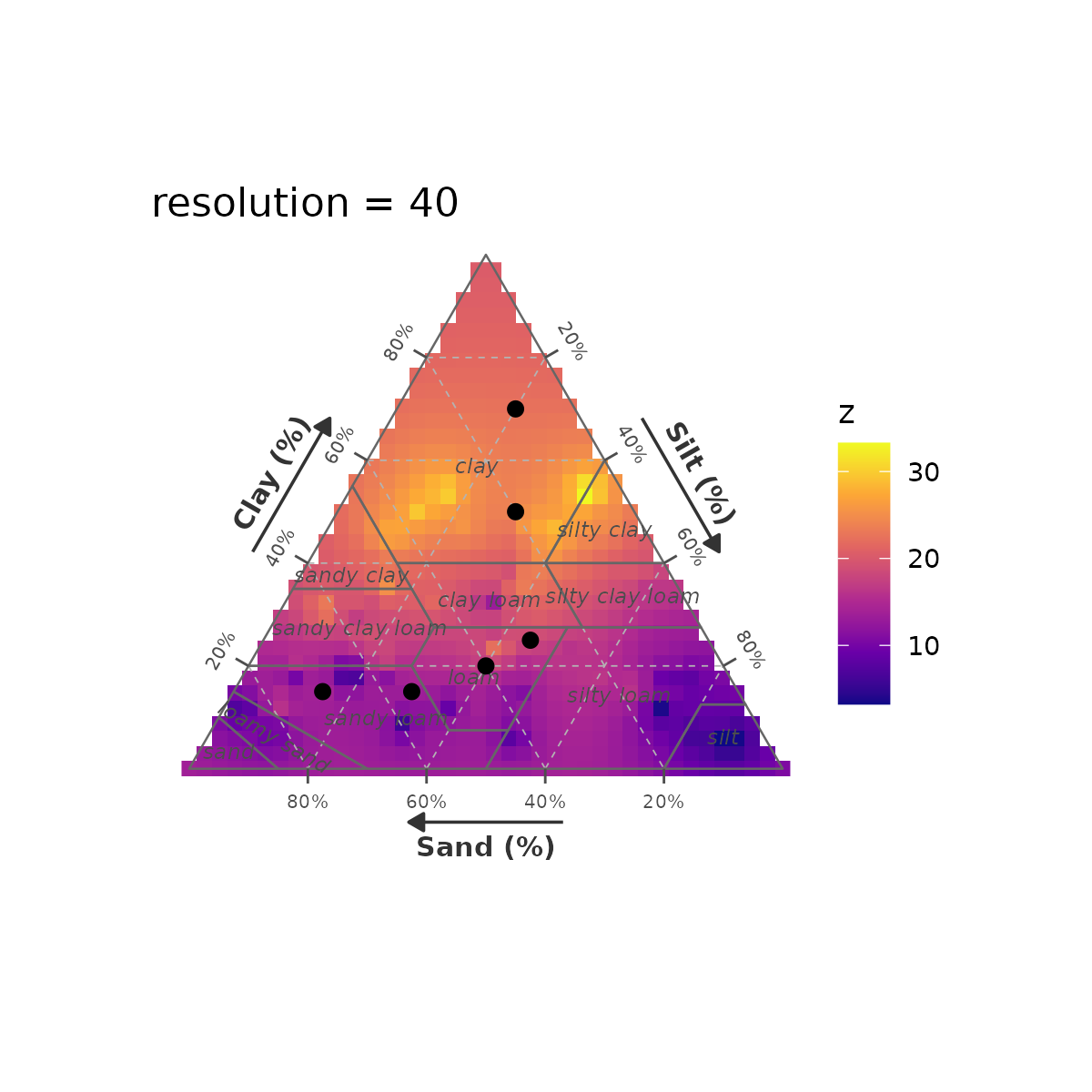
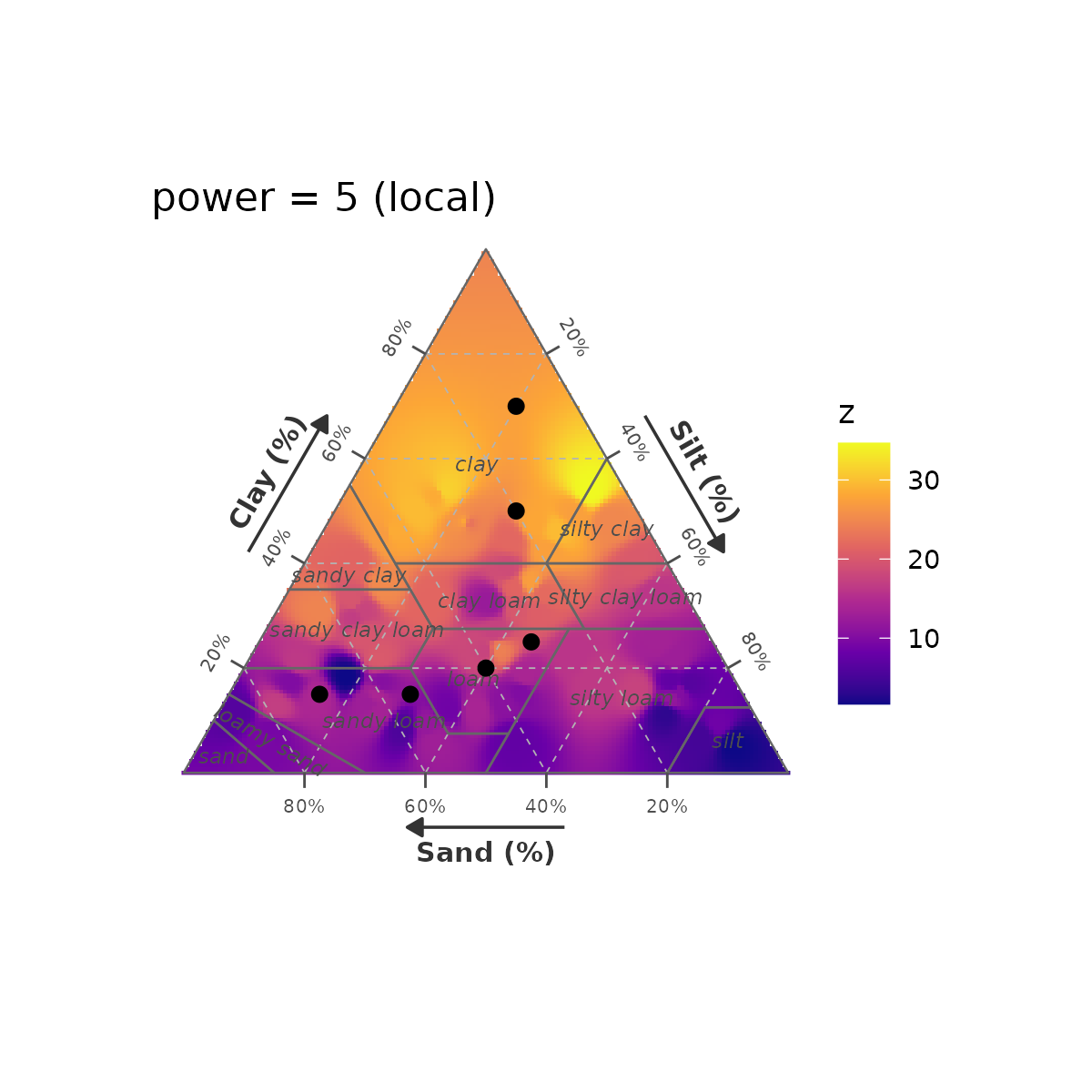
power controls IDW locality (default
2). Higher = more local, spikier.
gg_texture_triangle(pts, sand, silt, clay,
  surface = texture_surface(surf_df, sand, silt, clay, z = prop,
                             power = 1)) +
  scale_fill_viridis_c(option = "plasma") +
  ggtitle("power = 1 (smooth)")

gg_texture_triangle(pts, sand, silt, clay,
  surface = texture_surface(surf_df, sand, silt, clay, z = prop,
                             power = 5)) +
  scale_fill_viridis_c(option = "plasma") +
  ggtitle("power = 5 (local)")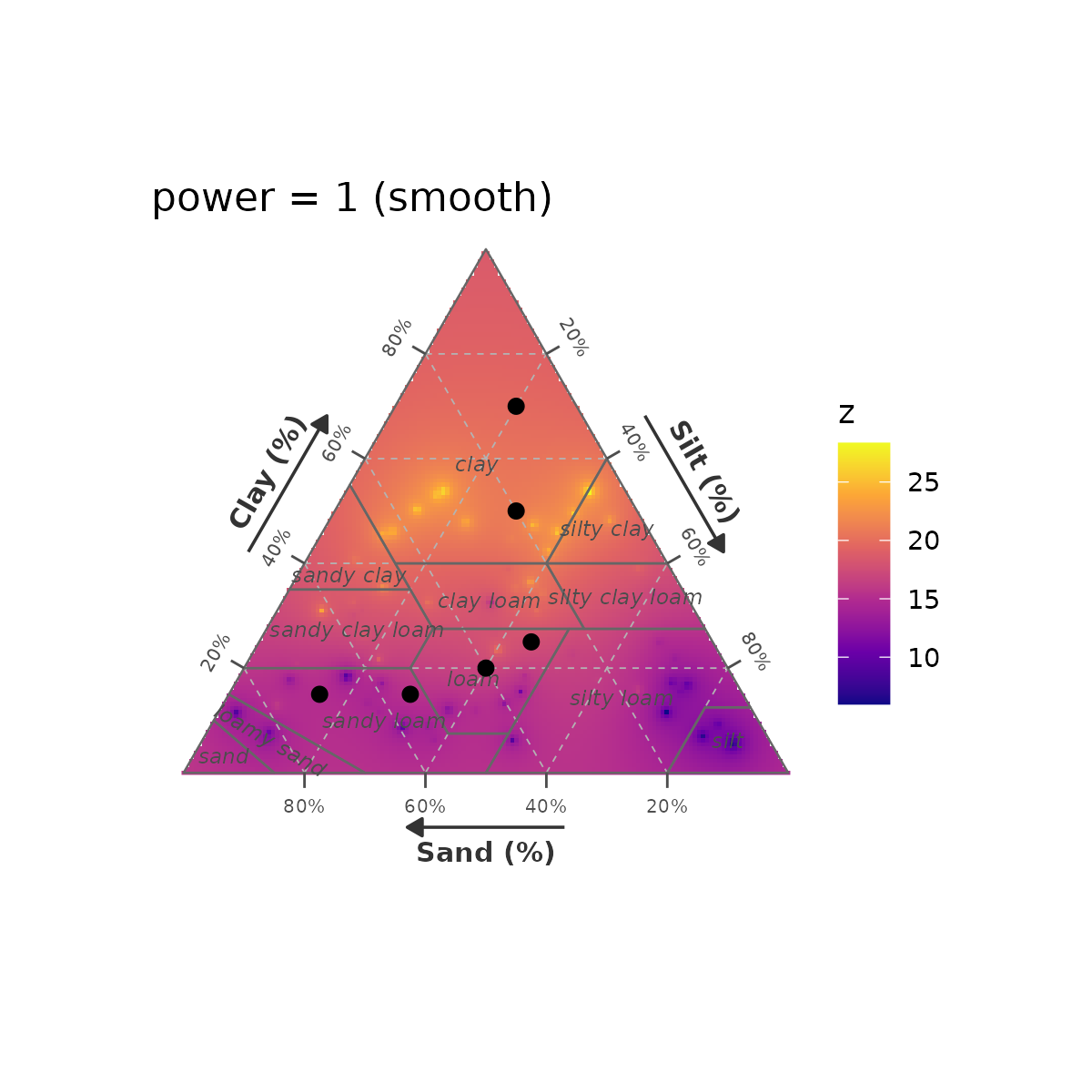
Surface with wiki-style class borders and hidden class labels for a clean heatmap look:
gg_texture_triangle(pts, sand, silt, clay,
  surface          = texture_surface(surf_df, sand, silt, clay, z = prop),
  border_colour    = "white",
  border_linewidth = 0.6,
  grid_colour      = "white",
  grid_linetype    = "solid",
  grid_linewidth   = 0.15,
  label_style      = texture_label_style(class_show = FALSE)) +
  scale_fill_viridis_c(name = "prop", option = "magma")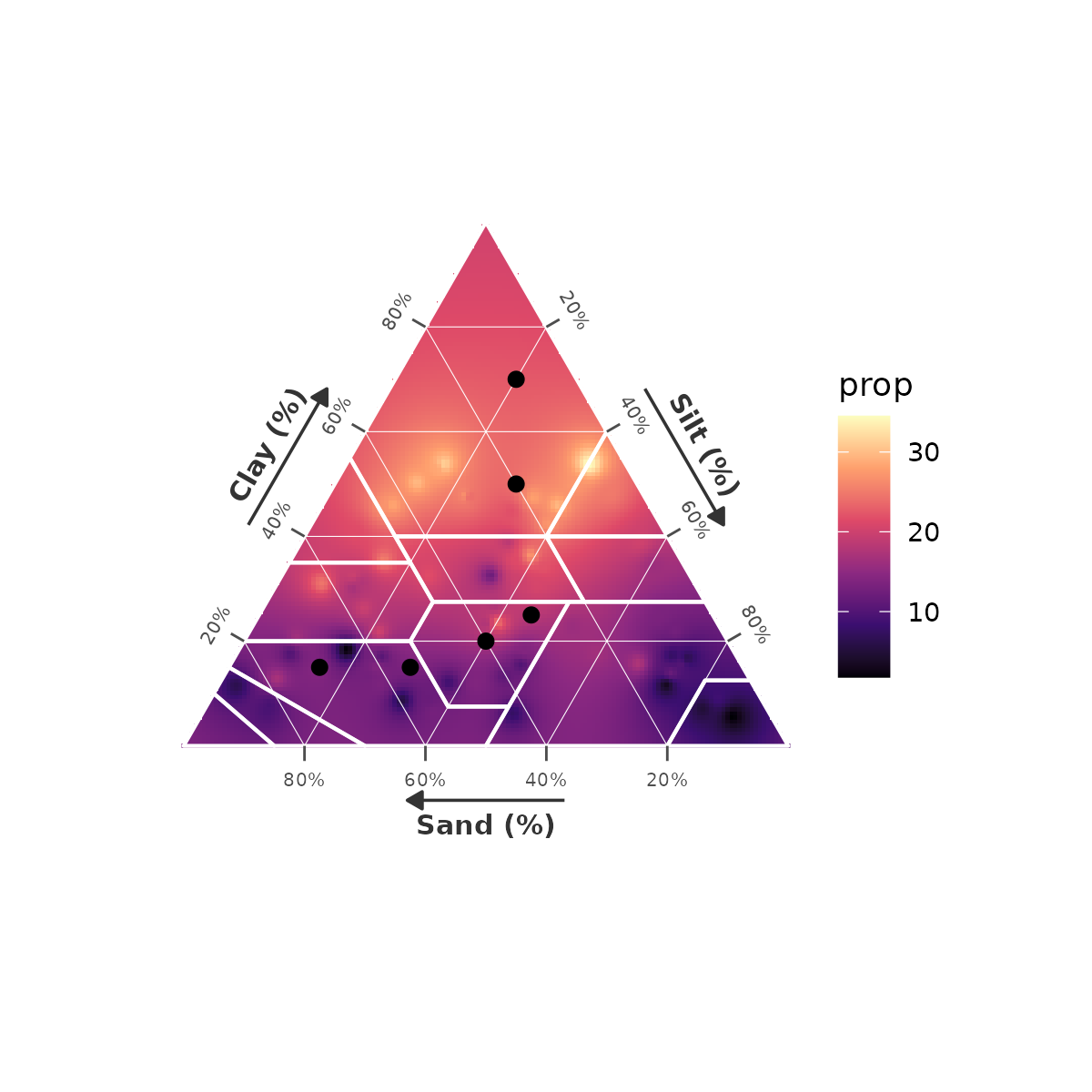
9. Contour lines (geom_texture_contour())
geom_texture_contour() returns a ggplot2 layer that adds
iso-lines at specified breaks. It works on any texture
triangle, with or without a surface.
Contours on a plain triangle
gg_texture_triangle(pts, sand, silt, clay) +
  geom_texture_contour(surf_df, sand, silt, clay, z = prop,
    breaks    = c(10, 20, 30),
    colour    = "steelblue",
    linewidth = 0.8)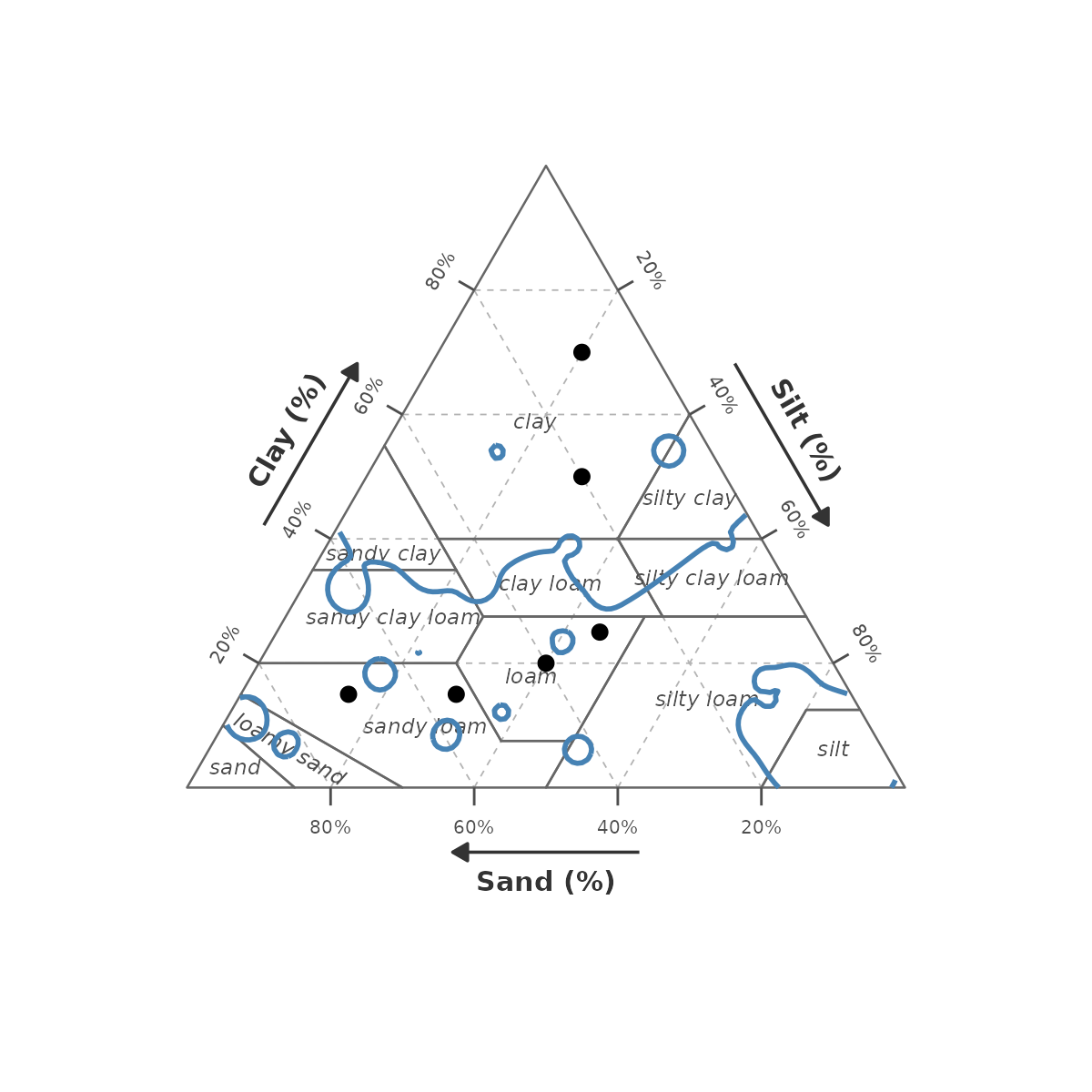
Contours on a wiki-coloured triangle
gg_texture_triangle(pts, sand, silt, clay, style = "wiki") +
  geom_texture_contour(surf_df, sand, silt, clay, z = prop,
    breaks    = 20,
    colour    = "black",
    linewidth = 1.4,
    linetype  = "dashed")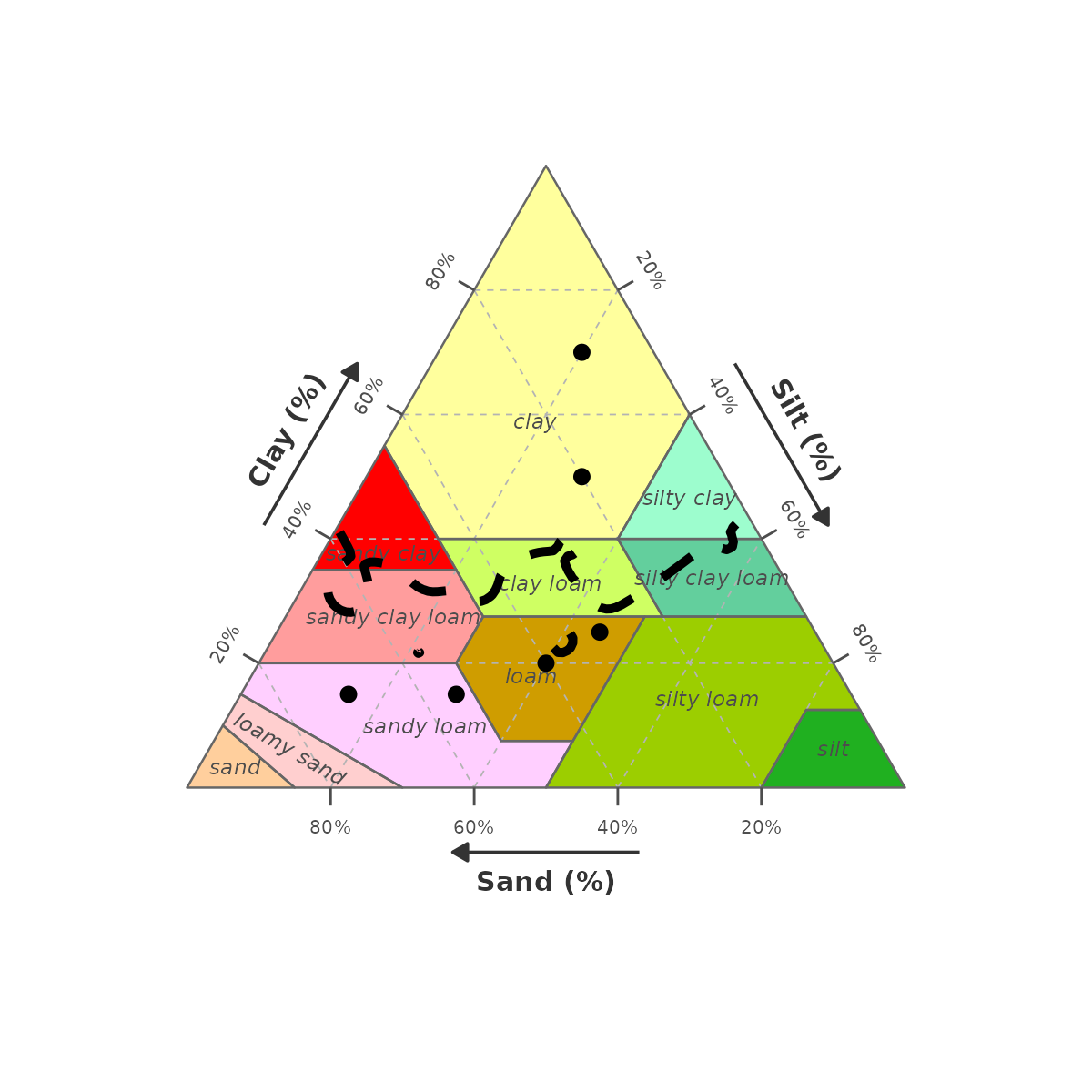
Contours on a surface — threshold annotation
A single bold contour highlighting a threshold (e.g. where
prop = 20):
gg_texture_triangle(pts, sand, silt, clay,
  surface = texture_surface(surf_df, sand, silt, clay, z = prop)) +
  scale_fill_viridis_c(name = "prop", option = "plasma") +
  geom_texture_contour(surf_df, sand, silt, clay, z = prop,
    breaks    = 20,
    colour    = "white",
    linewidth = 1.6)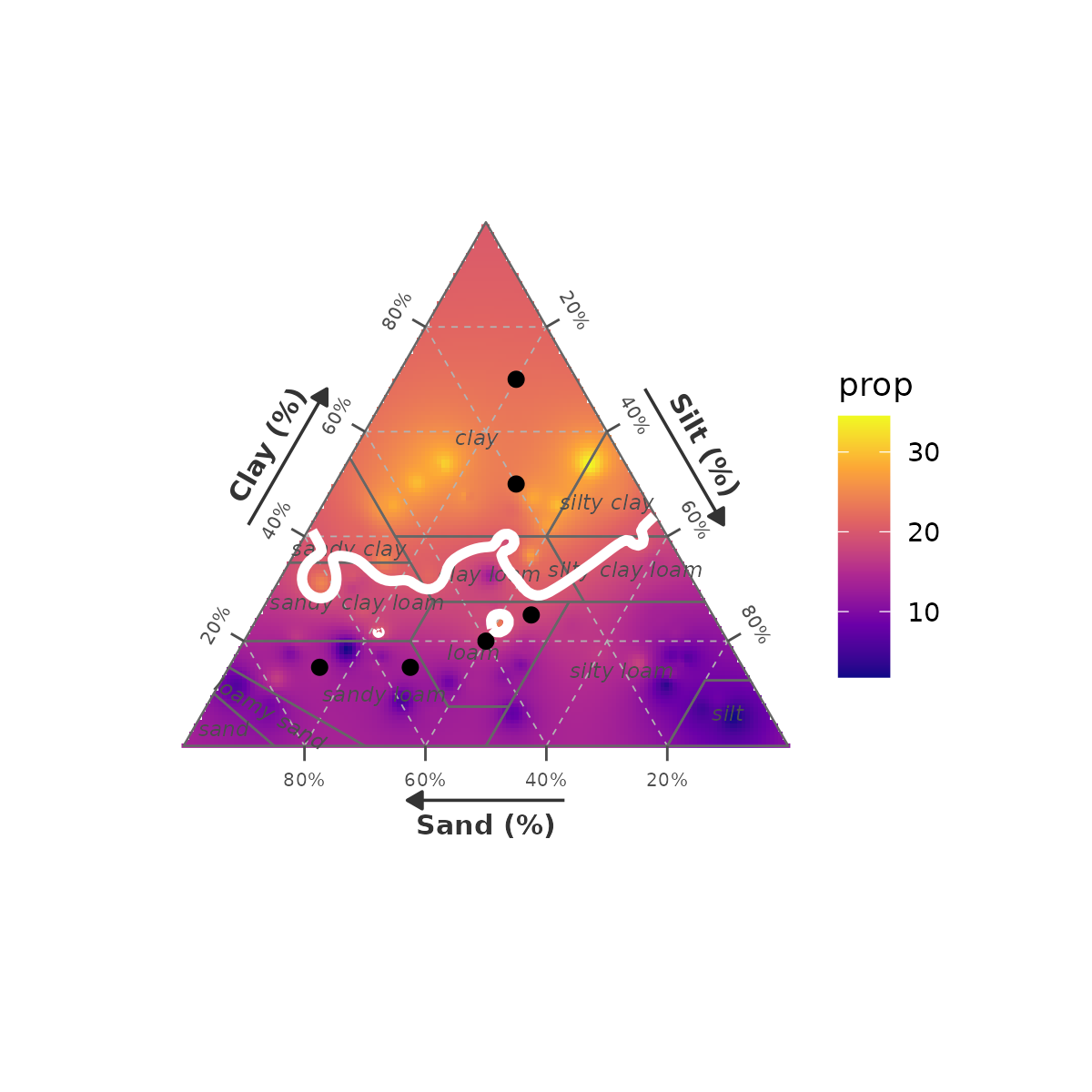
10. Combining parameters
A publication-ready black-and-white triangle with 10 % grid, no tick labels, bold borders, and labelled sample points:
gg_texture_triangle(pts, sand, silt, clay,
  colour           = label,
  breaks           = seq(10, 90, 10),
  grid_colour      = "grey50",
  grid_linetype    = "dotted",
  border_colour    = "grey20",
  border_linewidth = 0.6,
  tick_height      = 0.018,
  label_style      = texture_label_style(
    tick_show  = FALSE,
    axis_size  = 3.8,
    class_size = 2.2)) +
  scale_colour_grey(name = NULL, end = 0.3)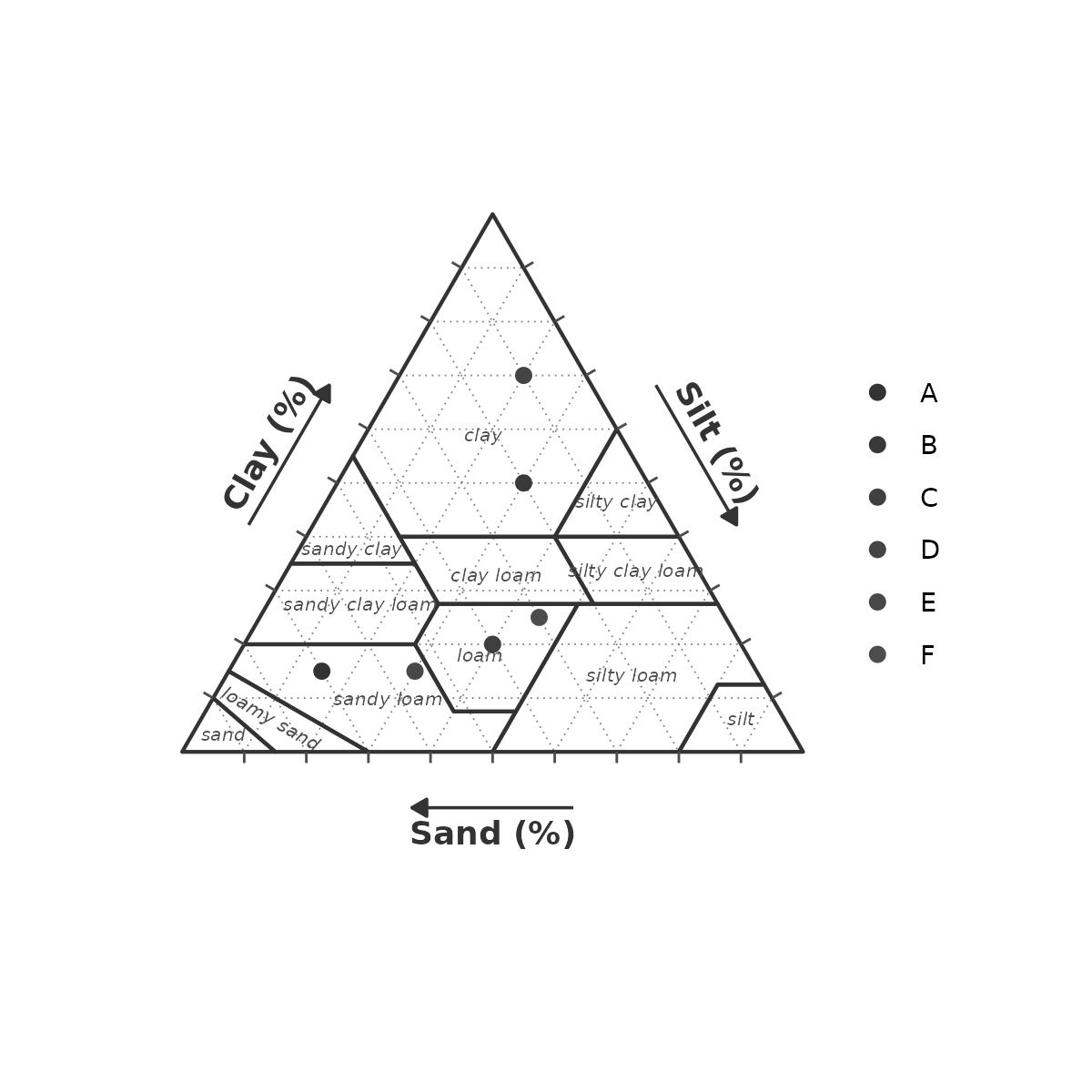
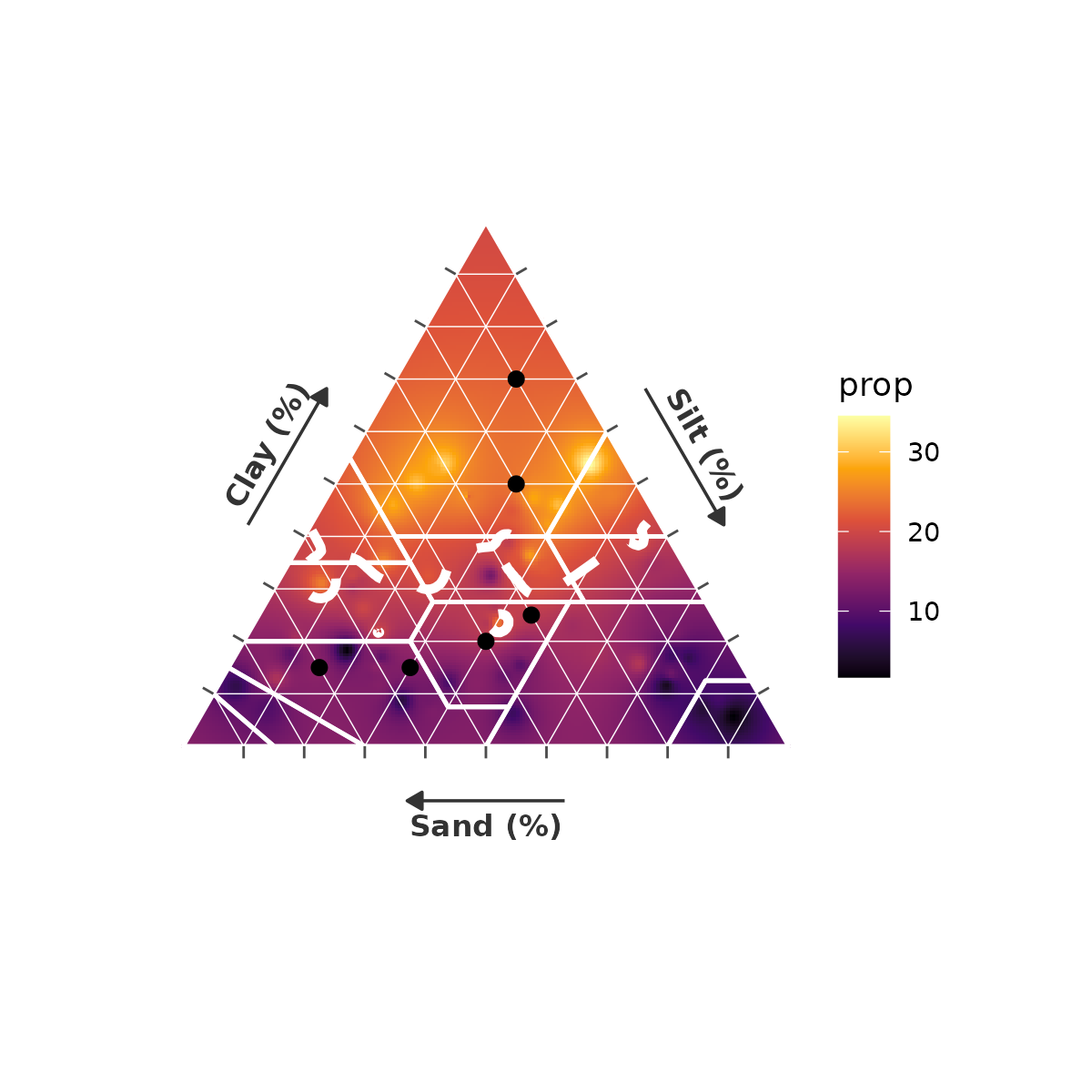
A full annotated heatmap with 5 % reference grid and threshold contour:
gg_texture_triangle(pts, sand, silt, clay,
  surface          = texture_surface(surf_df, sand, silt, clay,
                                     z = prop, resolution = 200L),
  breaks           = seq(10, 90, 10),
  grid_colour      = "white",
  grid_linetype    = "solid",
  grid_linewidth   = 0.2,
  border_colour    = "white",
  border_linewidth = 0.7,
  label_style      = texture_label_style(
    class_show = FALSE,
    tick_show  = FALSE,
    axis_size  = 3.5)) +
  scale_fill_viridis_c(name = "prop", option = "inferno") +
  geom_texture_contour(surf_df, sand, silt, clay, z = prop,
    breaks = 20, colour = "white", linewidth = 1.5, linetype = "dashed")